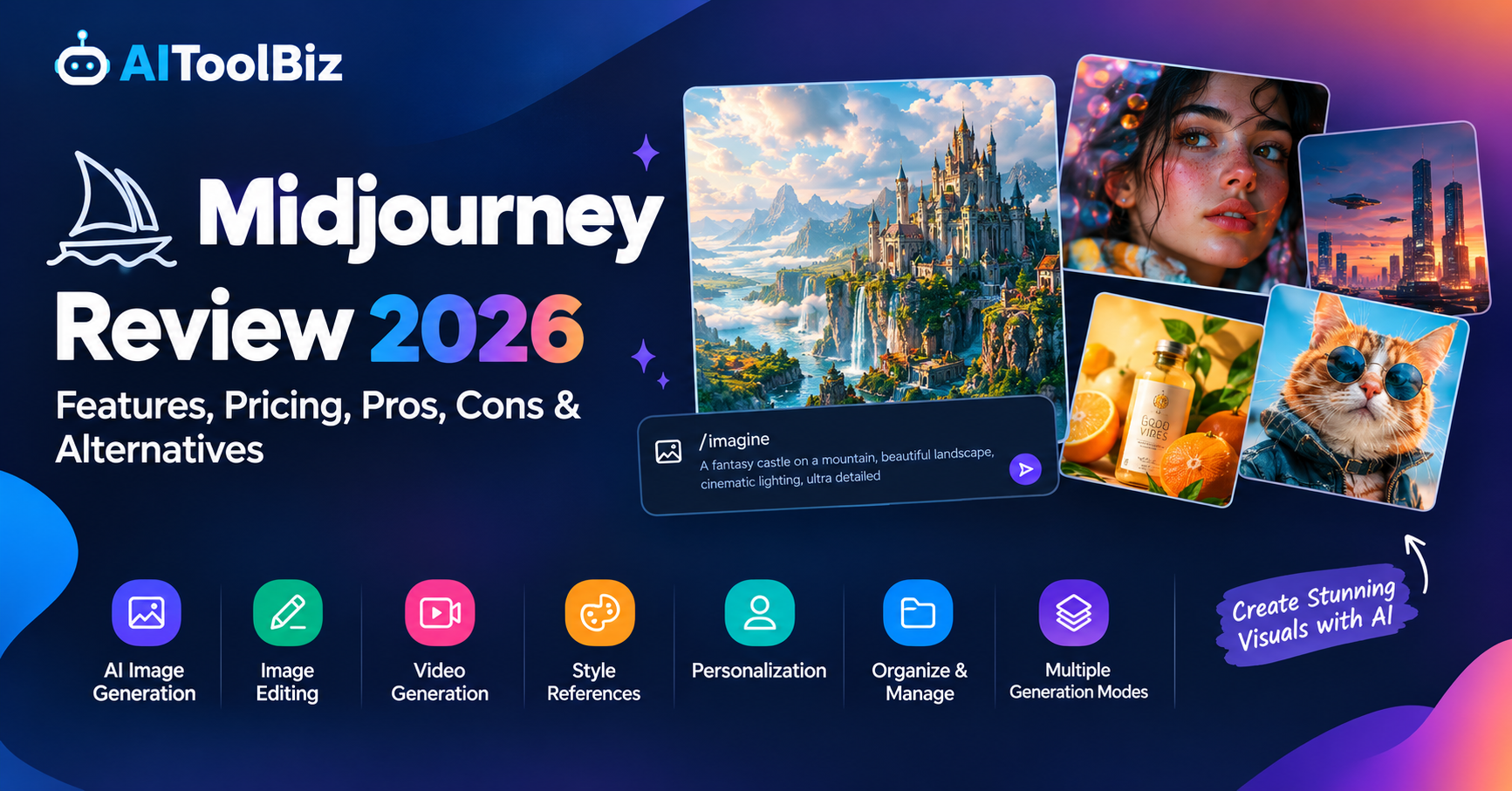
Midjourney Review
Midjourney is one of the most popular AI image-generation platforms for creating detailed, artistic, realistic, and highly stylized visuals from text prompts. It is designed for creators, designers, marketers, photographers, artists, social media professionals, and businesses that need AI-generated images for creative projects.
The platform has evolved considerably beyond its early Discord-based workflow. Midjourney now offers a dedicated web experience with image generation, editing, personalization, reference images, organization tools, and video generation. Its current default image model is V8.2, released in July 2026.
However, Midjourney is not necessarily the simplest option for every user. Beginners may need time to understand prompting, styles, references, GPU usage, and the platform’s different creative controls.
So, what exactly does Midjourney offer, how much does it cost, and is it suitable for your creative workflow?
Let’s take a closer look.
Our Rating
| Category | Our Rating |
|---|---|
| Ease of Use | 8.5/10 |
| Image Quality | 9.5/10 |
| Features | 9.5/10 |
| Creative Control | 9.5/10 |
| Pricing | 8/10 |
| Editing Tools | 9/10 |
| Overall | 9.1/10 |
Table of Contents
About Midjourney
Midjourney is an AI-powered creative platform designed primarily for generating and transforming images from natural-language prompts. Users describe what they want to create, and Midjourney generates visual results based on the prompt, selected model, references, style settings, and other parameters.
The platform’s current default model is V8.2, which was released on July 24, 2026. Midjourney says V8.2 focuses on aesthetics, image quality, and personalization while introducing its newer Edit Model.
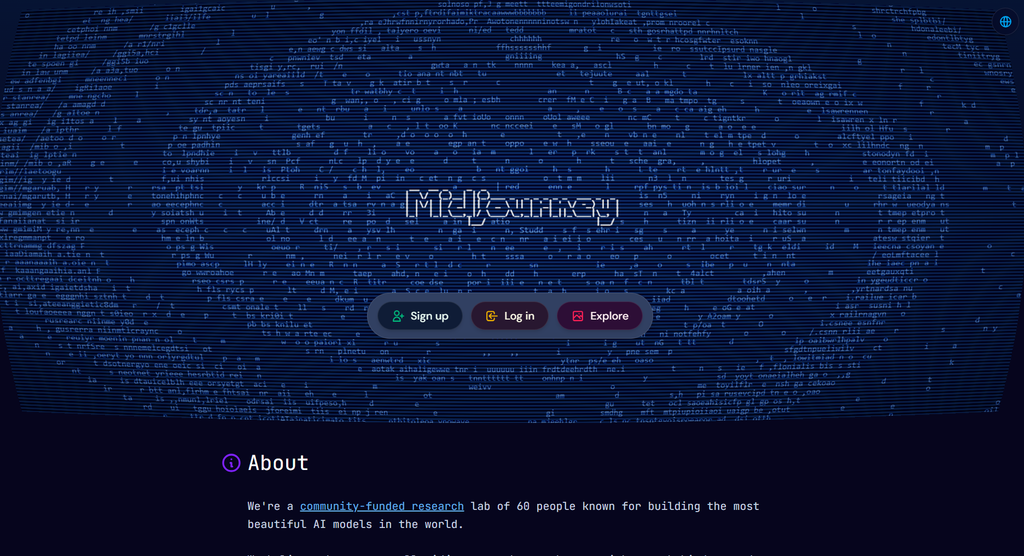
Midjourney can be accessed through its website and Discord. The website provides a more visual workspace for creating, editing, organizing, and searching creations, while Discord remains available for users who prefer the community-based workflow.
The platform is mainly aimed at people who need creative visuals without having to manually produce every image from scratch.
Users can create:
- AI artwork
- Product concepts
- Marketing visuals
- Character designs
- Concept art
- Illustrations
- Social media graphics
- Posters
- Website imagery
- Photography-style images
- Creative advertising concepts
- AI-generated videos
One of Midjourney’s major strengths is its ability to combine text prompts with image prompts, style references, personalization, and editing tools.
How We Tested Midjourney
We evaluated Midjourney based on the following:
- Ease of setup
- User interface
- Image generation quality
- Prompt understanding
- Photorealism
- Creative control
- Image editing
- Reference-image handling
- Personalization
- Generation speed
- Video capabilities
- Organization tools
- Pricing/value
- Business use cases
- Limitations
We also looked at how Midjourney performs for different creative workflows, including marketing images, concept art, social media content, product visuals, character creation, and image editing.
Midjourney Features
1. AI Image Generation
The main feature of Midjourney is AI image generation.
Users can enter a text prompt describing a scene, subject, character, product, environment, or artistic concept. Midjourney then creates visual variations based on the prompt.
The current V8.2 model is designed to improve aesthetics, image quality, and personalization.
For example, a user could enter a prompt describing a cinematic city, luxury product advertisement, fantasy character, architectural concept, or realistic portrait and generate multiple visual interpretations.
This makes Midjourney useful for both professional and personal creative projects.
2. Image Editing
Midjourney now includes a dedicated Edit Model that allows users to modify existing images using written instructions.
The Edit Model can:
- Modify existing images
- Combine reference images
- Change specific areas
- Expand an image beyond its original frame
- Retexture images
- Maintain characters or objects using references
- Generate new compositions from multiple images
Midjourney supports up to four reference images with the Edit Model.
This is an important development because users no longer have to generate a completely new image whenever they want to make a relatively small change.
3. Image Prompts
Midjourney supports image prompts that allow users to include an existing image alongside text.
The image can influence elements such as composition, colors, content, and overall visual direction.
For example, a designer could upload a reference photograph and then provide a text prompt describing the desired transformation.
This gives users more control than relying entirely on text.
4. Style References
Style Reference allows users to guide the visual appearance of a new creation using an existing image.
Rather than directly copying the people or objects in the reference, Midjourney uses the image to influence the overall visual style, such as:
- Colors
- Lighting
- Texture
- Medium
- Artistic appearance
- Visual atmosphere
Users can also use style reference codes to reproduce particular visual aesthetics.
This can be particularly useful for maintaining a consistent visual identity across multiple images.
5. Personalization
Midjourney includes personalization profiles that allow the platform to adapt generated images to a user’s preferred aesthetic.
Users can select images they like, allowing Midjourney to learn their visual preferences and apply them to future generations.
Multiple personalization profiles can be created for different creative directions.
For example, a designer could maintain one profile for cinematic photography and another for colorful illustration.
This can make repeated image generation more consistent with an individual’s preferred style.
6. AI Video Generation
Midjourney has also expanded from still-image generation into video creation.
Users can take images and turn them into short videos through the platform’s video tools. The current subscription comparison shows video generation availability across the paid plans, with higher tiers providing more video generation capacity and Relax access.
This makes Midjourney more useful for creators who want to move from static visual concepts toward short-form motion content.
7. Editor
Midjourney’s web editor provides tools for modifying images through a visual interface.
Users can work with:
- Remix
- Inpainting
- Outpainting
- Pan
- Zoom Out
- Layers
- Image replacement
- Retexturing
The Editor can work with both Midjourney creations and personal images.
This provides a more complete creative workflow without requiring users to immediately move their images into another editing application.
8. Conversational Mode
Midjourney’s website also includes Conversational Mode.
Instead of manually constructing detailed prompts, users can communicate their visual idea in natural language and have Midjourney help create the prompt.
According to Midjourney’s documentation, Conversational Mode is a web-exclusive feature and can work with non-English languages.
This can make the platform easier for people who are new to AI image prompting.
9. Create and Organize Pages
Midjourney’s website provides dedicated Create and Organize experiences.
The Create page allows users to generate images, add reference images, adjust settings, use personalization, and work with folders.
The Organize page provides tools for searching and organizing creations using things such as keywords, dates, references, and parameters.
Users can also organize projects into folders and download creations in bulk.
10. Multiple Generation Modes
Midjourney provides different GPU modes for controlling generation speed and resource usage.
The platform currently offers:
- Fast Mode
- Relax Mode
- Turbo Mode
Fast Mode uses the monthly Fast GPU allocation. Relax Mode provides unlimited image generation on Standard, Pro, and Mega plans, although generation can take longer. Turbo Mode can generate images faster while consuming Fast GPU time at a higher rate.
Quick Summary
| Feature | Best For |
|---|---|
| AI Image Generation | Creating original visuals |
| Edit Model | Modifying existing images |
| Image Prompts | Using reference images |
| Style References | Maintaining visual styles |
| Personalization | Creating preferred aesthetics |
| AI Video | Turning visuals into short videos |
| Editor | Inpainting and outpainting |
| Conversational Mode | Easier prompt creation |
| Folders & Organize | Managing large image libraries |
| Fast/Relax/Turbo | Controlling generation speed |
Midjourney Pricing
Midjourney currently offers four subscription plans:
| Plan | Monthly Price | Annual Price | Best For |
|---|---|---|---|
| Basic | $10/month | $96/year | Casual creators |
| Standard | $30/month | $288/year | Regular image creators |
| Pro | $60/month | $576/year | Professional creators |
| Mega | $120/month | $1,152/year | Heavy creative workloads |
Midjourney’s annual plans provide a 20% discount compared with monthly billing.
Basic Plan
The Basic plan costs $10 per month, or $96 annually.
It includes 3.3 hours of Fast GPU time per month, equivalent to 200 minutes.
It is intended for users who want to access Midjourney without needing a large amount of monthly generation capacity.
Standard Plan
The Standard plan costs $30 per month, or $288 annually.
It provides 15 hours of Fast GPU time and unlimited image generation through Relax Mode.
For users who generate images regularly, the unlimited Relax image generation can be useful when speed is less important.
Pro Plan
The Pro plan costs $60 per month, or $576 annually.
It includes 30 hours of Fast GPU time, unlimited image generation in Relax Mode, and access to Stealth Mode.
Stealth Mode is designed for users who want their creations to remain private and is available on Pro and Mega plans.
Mega Plan
The Mega plan costs $120 per month, or $1,152 annually.
It provides 60 hours of Fast GPU time and is designed for users with heavier generation requirements.
Like the Pro plan, it includes Stealth Mode and unlimited image generation through Relax Mode.
Pricing checked: September 2026.
Midjourney notes that plan availability and features can change, so users should check the current pricing page before subscribing.
Pros & Cons
| Pros | Cons |
|---|---|
| Excellent image quality and artistic output | No permanent free plan listed among the current subscription tiers |
| Powerful image editing and generation tools | Beginners may need time to learn prompting |
| Supports image and style references | Heavy usage can require a more expensive plan |
| Personalization helps create consistent aesthetics | Pricing is based partly on GPU usage |
| Website and Discord workflows are available | Some advanced privacy features require Pro or Mega |
| Supports both image and video creation | Relax generation can take longer than Fast mode |
Who Should Use Midjourney?
Midjourney is suited to users who need high-quality AI-generated visuals for creative work.
It can be useful for:
- Graphic designers
- Digital artists
- Photographers
- Illustrators
- Marketing teams
- Social media managers
- Content creators
- YouTube creators
- Advertising agencies
- Game designers
- Concept artists
- Product designers
- Creative agencies
- Businesses creating visual marketing material
It can also be useful for individuals who simply want to experiment with AI-generated artwork.
However, users who only need occasional basic image generation may prefer a tool with a simpler interface or a free tier.
Midjourney Use Cases
Midjourney can be used at different stages of a creative workflow.
Marketing
Marketing teams can use Midjourney to create campaign concepts, promotional visuals, social media graphics, advertising ideas, and creative variations.
Instead of waiting for every visual to be manually designed, marketers can quickly explore multiple creative directions.
Social Media
Social media creators can generate:
- Instagram visuals
- Facebook graphics
- Pinterest images
- YouTube thumbnails
- Promotional artwork
- Campaign concepts
- Short-form visual content
The ability to create variations can also help users explore different visual directions for the same campaign.
Concept Art
Midjourney is particularly useful for concept development.
Artists and designers can use prompts to explore:
- Characters
- Environments
- Architecture
- Vehicles
- Fantasy worlds
- Sci-fi scenes
- Game concepts
- Film concepts
These generated images can serve as early visual references before a project moves into a more traditional production process.
Product Design
Businesses can use Midjourney to explore product concepts and marketing presentations.
For example, a company could generate different visual directions for packaging, product environments, advertising scenes, or promotional campaigns.
These should generally be treated as creative concepts rather than automatically production-ready product designs.
Website and Blog Images
Bloggers and website owners can use Midjourney to create original visual assets for articles and landing pages.
This can help publishers create images that are more closely matched to their content instead of relying entirely on generic stock photography.
Video Creation
Midjourney’s expanding video capabilities allow creators to move from still images toward short motion content.
A creator can start with a visual concept and then use available video-generation tools to animate it. Current plan documentation includes video generation and different video usage limits depending on the subscription.
Midjourney Alternatives
If Midjourney does not match your workflow, several other AI image-generation platforms are available.
| Midjourney Alternative | Best For | Starting Price |
|---|---|---|
| ChatGPT | Conversational image creation and editing | Varies by plan |
| Adobe Firefly | Adobe creative workflows | From around $10/month |
| Ideogram | Text-heavy images and graphic design | Paid plans available |
| Leonardo AI | Creative control and image generation | Paid plans available |
| Stable Diffusion | Customization and technical control | Varies by platform |
The choice depends on what you need. For example, users focused on Adobe workflows may prefer Firefly, while people who need more control over models and workflows may explore Stable Diffusion-based platforms. Ideogram is another option for designs where text inside images is important.
Midjourney Review Conclusion
Midjourney has developed from an AI art generator into a broader visual-creation platform that includes image generation, editing, personalization, reference images, organization tools, and video capabilities.
Who shouldn’t buy it: Midjourney may not be ideal for users who only need occasional basic image generation, want a completely free image generator, or prefer a very simple interface with minimal creative controls.
Biggest advantage: Midjourney’s biggest advantage is the combination of visual quality and creative control. Users can combine text prompts with image prompts, style references, personalization, and editing tools to develop highly customized visual concepts.
Do we recommend it? Midjourney is worth considering for creators, designers, marketers, artists, and businesses that regularly need AI-generated visual content. Its current V8.2 model and expanded editing workflow make it more than a simple text-to-image generator.
However, the right choice depends on your workflow, budget, desired level of control, privacy requirements, and whether you need image generation alone or a broader creative ecosystem.
FAQ
What is Midjourney used for?
Midjourney is an AI-powered creative platform used to generate and edit images from text prompts and reference images. It can be used for artwork, concept design, marketing visuals, social media graphics, product concepts, illustrations, and other creative projects.
Is Midjourney free?
Midjourney currently offers paid subscription plans: Basic, Standard, Pro, and Mega. The current Basic plan starts at $10 per month.
How much does Midjourney cost?
Midjourney’s current plans start at $10 per month for Basic, $30 per month for Standard, $60 per month for Pro, and $120 per month for Mega. Annual plans are available at a 20% discount.
What is the latest Midjourney version?
As of September 2026, V8.2 is Midjourney’s default version. It was released on July 24, 2026, with improvements focused on aesthetics, image quality, personalization, and the new Edit Model.
Can Midjourney edit existing images?
Yes. Midjourney’s Edit Model can modify existing images using written instructions, combine up to four reference images, change selected areas, expand images, and retexture images.
Can Midjourney create videos?
Yes. Midjourney now supports video generation, with video availability and usage depending on the subscription plan. Pro and Mega plans also provide unlimited SD video generation through Relax Mode.