

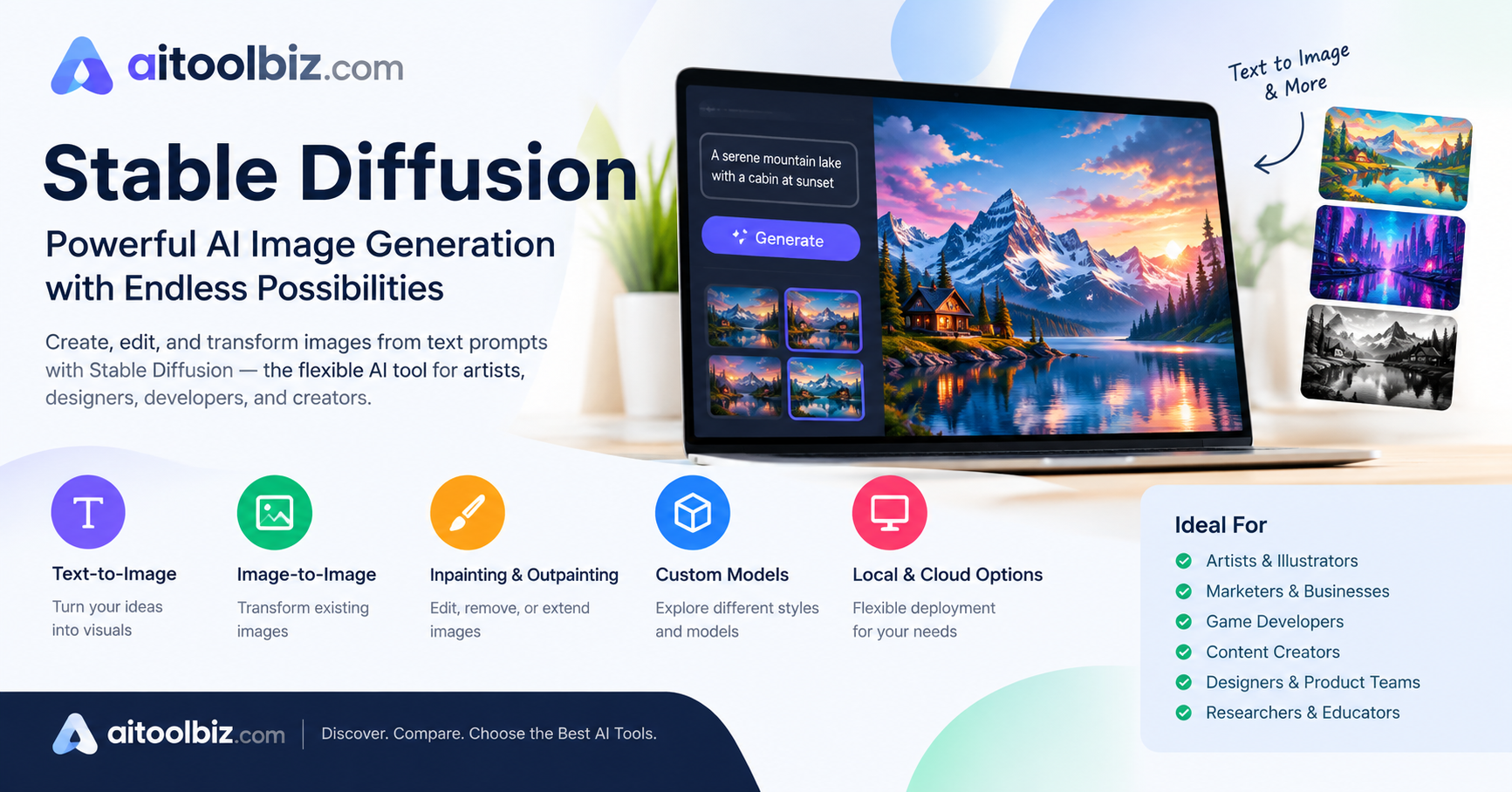
Stable Diffusion Review
Stable Diffusion is a strong option for artists, designers, content creators, and businesses because it offers powerful AI image generation, extensive customization, and flexibility through different models and tools. However, users who need a simpler, more user-friendly image generator with an easier setup may want to consider tools like Midjourney or DALL·E instead.
Is Stable Diffusion still worthwhile, though, given the abundance of AI image producers on the market today?
To decide if Stable Diffusion is the best AI picture generator for you, we examine its features, image quality, customization, usability, cost, advantages and disadvantages, and overall value.
Table of Contents
Our Rating
Review rating on our side;
| Category | Our Rating |
|---|---|
| Ease of use | 9/10 |
| Features | 8/10 |
| AI Quality | 8.5/10 |
| Pricing | 9/10 |
| Customer Support | 8/10 |
| Overall | 8.7/10 |
About Stable Diffusion
Stable Diffusion is an AI-powered image generation model designed to help artists, designers, developers, and content creators create and customize images from text prompts and other inputs. It was developed by Stability AI in collaboration with researchers from CompVis and Runway, and was publicly released in August 2022. Unlike many proprietary image-generation tools, Stable Diffusion can be downloaded and run locally, giving users greater control over models, customization, and image-generation workflows.
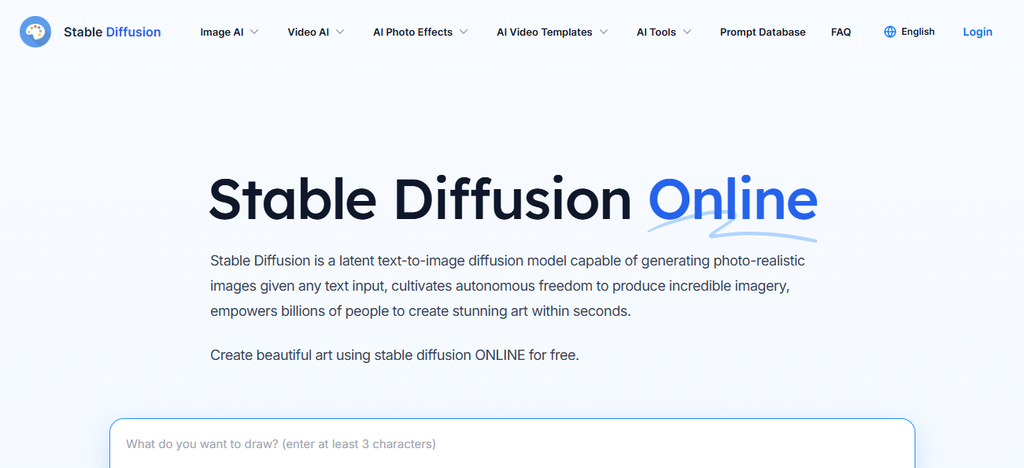
The main purpose of Stable Diffusion is to generate high-quality images from text prompts while giving users flexibility and control over the creative process. Today, Stable Diffusion is widely used for creating artwork, illustrations, concept designs, marketing visuals, and other digital content, with support for customization, image-to-image generation, inpainting, and other advanced workflows.
Stable Diffusion primarily targets artists, designers, developers, content creators, researchers, and businesses that need flexible AI image generation and customization. It can assist with tasks such as creating digital artwork, generating concept designs, producing marketing visuals, transforming existing images, and experimenting with different creative styles and models.
The core problem Stable Diffusion aims to solve is the challenge of creating high-quality visual content quickly while giving users greater control over the image-generation process. For individuals and organizations managing large volumes of visual content, Stable Diffusion can help improve creative productivity while allowing users to customize models, workflows, and outputs according to their specific needs.
How we tested Stable Diffusion
We evaluated Stable Diffusion based on the following:
- Ease of setup
- User interface
- Core features
- AI output quality
- Speed
- Accuracy
- Integrations
- Pricing/Value
- Business use Cases
- Limitations
We tested Stable Diffusion using the same three prompts used in our AI writing comparison: a product ai image, a ai image outline, and a design.
Stable Diffusion Features
Text-to-Image Generation

Stable Diffusion’s main feature is its ability to generate images from natural-language text prompts. Users can describe a subject, environment, style, lighting, composition, and other visual details, and the model generates an image based on that description. This makes it useful for creating artwork, illustrations, concept designs, product visuals, social media graphics, and other digital content without manually creating everything from scratch.
Image-to-Image Generation
Stable Diffusion can use an existing image as a starting point for generating a new image. Users can provide an image along with a text prompt to change its appearance, style, composition, or other visual elements. For example, a rough sketch can be transformed into a detailed illustration, or an existing photograph can be given a different artistic style. This feature provides more creative control than generating an image entirely from text.
High Customization and Control
One of Stable Diffusion’s major strengths is the amount of control available to users. Depending on the interface and workflow, users can adjust settings such as image dimensions, sampling methods, generation steps, guidance strength, and random seeds. These controls allow users to experiment with different outputs and refine their results. This flexibility makes Stable Diffusion suitable for both simple image generation and more advanced creative workflows.
Inpainting and Outpainting
Stable Diffusion supports advanced image-editing techniques such as inpainting and outpainting. Inpainting allows users to select a specific area of an image and regenerate or replace that section while keeping the rest of the image relatively unchanged. Outpainting can be used to extend an image beyond its original boundaries and generate additional content around it. These features are useful for removing unwanted objects, changing details, fixing areas of an image, or expanding compositions.
Custom Models and Fine-Tuning
Stable Diffusion supports a wide ecosystem of customized models and techniques that can produce different visual styles and specialized results. Users can work with model checkpoints, LoRAs, embeddings, and other extensions to modify how images are generated. More advanced users can also fine-tune models for specific subjects or visual styles. This customization makes Stable Diffusion particularly useful for creators who want results tailored to a particular artistic direction or production requirement.
Local and Flexible Use
Unlike many cloud-only AI image-generation platforms, Stable Diffusion can be installed and run locally on compatible computer hardware. Local use can give users greater control over their models, generated files, settings, and workflows. It also supports a wide variety of community-created interfaces, extensions, and workflows. This flexibility makes Stable Diffusion suitable for users who want to experiment with different models and maintain more control over their image-generation environment.
Stable Diffusion Pricing
Stable Diffusion’s pricing depends on how you use it. Stability AI’s core models can be self-hosted for free under its Community License for individuals, researchers, creators, and organizations with annual revenue below $1 million, subject to the license terms. Businesses above that threshold using the models commercially may require an Enterprise license.
For Stability AI’s API, usage is credit-based. 1 credit costs $0.01, and new users can receive 25 free credits.
| Model / Service | Cost |
|---|---|
| Stable Diffusion 3.5 Flash | 2.5 credits (~$0.025/image) |
| Stable Diffusion 3.5 Medium | 3.5 credits (~$0.035/image) |
| Stable Diffusion 3.5 Large Turbo | 4 credits (~$0.04/image) |
| Stable Diffusion 3.5 Large | 6.5 credits (~$0.065/image) |
| Stable Image Core | 3 credits (~$0.03/image) |
| Stable Image Ultra | 8 credits (~$0.08/image) |
These are the current listed API generation rates from Stability AI; pricing can change as models and infrastructure are updated.
For its Brand Studio product, Stability AI currently lists a Free tier with up to 1,000 credits, Creator at $19/month with 2,000 credits, and Core at $50/month with 5,000 credits. Enterprise pricing is customized.
Stable Diffusion Pros and Cons
| Pros | Cons |
|---|---|
| Highly customizable – Users have extensive control over models, prompts, styles, and generation settings. | Steep learning curve – Advanced features and settings can be difficult for beginners to understand. |
| Flexible image generation – Supports text-to-image, image-to-image, inpainting, and outpainting workflows. | Hardware requirements – Running models locally can require a capable GPU and sufficient system resources. |
| Local use – Compatible versions can be run on a user’s own computer, providing greater control over files and workflows. | Setup can be complicated – Installing models, interfaces, extensions, and dependencies may require technical knowledge. |
| Large model ecosystem – Many community-created models, LoRAs, and extensions are available for different styles and purposes. | Inconsistent results – Image quality and accuracy can vary depending on the model, prompt, settings, and workflow. |
| Creative freedom – Users can experiment with a wide range of artistic styles and visual concepts. | Content limitations vary – Different models and platforms may have different rules regarding the types of images they allow. |
| Potentially low cost – Local generation can avoid paying per image once the necessary hardware is available. | Computationally intensive – Generating high-resolution images or using larger models can take significant time and processing power. |
| Open and extensible ecosystem – Developers and creators can build custom workflows and tools around compatible models. | Requires experimentation – Getting consistent, professional-quality results often involves repeated prompting and parameter adjustments. |
Who Should Use Stable Diffusion
Stable Diffusion is well suited for digital artists, illustrators, and graphic designers who want to create artwork, concept art, illustrations, backgrounds, and other visual assets. Its wide range of models, styles, and customization options allows creative professionals to experiment with different artistic directions and develop visuals based on their specific requirements.
Content creators and marketing teams can also benefit from Stable Diffusion when they need to produce visual content regularly. It can be used to create social media graphics, blog images, advertising concepts, thumbnails, product visuals, and other marketing materials. This can help creators generate ideas and visual assets without having to create every image manually.
Stable Diffusion can be particularly useful for game developers, filmmakers, and creative production teams. They can use it to develop character concepts, environments, props, storyboards, mood boards, and other visual references during the early stages of production. The ability to customize models and styles makes it useful for exploring multiple creative directions quickly.
Developers, AI enthusiasts, and researchers may also find Stable Diffusion useful because of its flexible ecosystem and ability to support customized workflows. Advanced users can experiment with different models, LoRAs, extensions, fine-tuning techniques, and local installations to build image-generation systems tailored to specific projects.
Overall, Stable Diffusion is best suited for users who want greater control, customization, and flexibility in AI image generation. It can be used by beginners through ready-made interfaces, but users who want to take full advantage of its advanced capabilities should be comfortable learning different models, settings, and creative workflows.
Stable Diffusion Use Cases
Stable Diffusion is widely used for digital art and illustration, allowing artists and designers to create artwork, illustrations, concept art, and experimental designs from text prompts. Users can explore different artistic styles and visual concepts, making it useful for both creative inspiration and finished visual content.
Stable Diffusion is also useful for marketing and advertising, where businesses can generate promotional graphics, social media visuals, advertising concepts, and campaign images. Marketing teams can quickly create multiple visual ideas and adapt them to different campaigns, audiences, and creative requirements.
In game development, Stable Diffusion can help developers create concept art for characters, environments, props, buildings, and other game elements. It can be particularly useful during the early stages of development, allowing teams to explore different visual ideas before creating final assets.
Content creators such as bloggers, YouTubers, and social media creators can use Stable Diffusion to produce thumbnails, backgrounds, illustrations, posters, and other supporting visuals. This allows creators to develop customized images that match the theme and style of their content without relying entirely on stock images.
Another important use case is image editing and enhancement. Using techniques such as inpainting and outpainting, users can remove or replace objects, modify specific areas, extend an image beyond its original boundaries, and create new variations of existing images. This makes Stable Diffusion useful for both creative editing and visual experimentation.
Stable Diffusion can also support product and concept design by helping designers visualize new products, packaging, fashion concepts, interiors, and other ideas. Teams can generate multiple concepts quickly and use them as references before moving toward detailed designs or physical prototypes.
In film and creative production, Stable Diffusion can be used to create storyboards, character concepts, environments, mood boards, and visual references. These generated visuals can help creative teams communicate the desired appearance, atmosphere, and direction of a project before production begins.
Finally, Stable Diffusion can be used for education, research, and AI experimentation. Students, educators, developers, and researchers can explore generative AI, create educational visuals, test different image-generation techniques, and develop customized workflows for specific projects.
Stable Diffusion Pricing
| Alternative | Starting Price | Best For |
|---|---|---|
| Midjourney | $10/month | Artistic and creative image generation |
| Adobe Firefly | Free / $9.99/month | Professional design and Adobe workflows |
| Leonardo AI | Free / paid plans available | Game assets, characters, and creative content |
| Ideogram | Free / paid plans available | Images with accurate text and typography |
| ChatGPT Image Generation | Included with eligible ChatGPT plans | Easy conversational image creation |
| FLUX | Usage-based / varies by provider | High-quality and customizable image generation |
Conclusion
Stable Diffusion is a powerful and flexible AI image-generation solution that gives users significant control over how images are created and customized. Its support for text-to-image generation, image-to-image transformation, inpainting, outpainting, custom models, and local use makes it suitable for artists, designers, developers, content creators, and businesses. While it can require more technical knowledge and hardware resources than simpler AI image generators, its flexibility and customization options make it a valuable choice for users who want greater control over their creative workflows.
Overall, Stable Diffusion is particularly suitable for users who are willing to explore advanced settings and customized workflows. However, alternatives such as Midjourney, Adobe Firefly, Leonardo AI, Ideogram, ChatGPT, and FLUX may be more appropriate for users who prioritize ease of use, specific creative features, or managed cloud-based experiences.
Who shouldn’t buy it: Stable Diffusion may not be suitable for users who want a simple, beginner-friendly image generator with minimal setup and technical knowledge. It may also be less suitable for users without a capable computer or those who prefer a fully managed, cloud-based experience. Users who prioritize ease of use and convenience over customization and control may prefer alternatives such as Midjourney or Adobe Firefly.
Do we recommend it ? yes, Stable Diffusion is a strong choice for users who want powerful AI image generation with extensive customization and creative control. It is especially suitable for artists, designers, developers, and content creators who are comfortable exploring advanced tools and workflows. However, users who prefer a simple and easy-to-use experience may want to consider more beginner-friendly alternatives.
FAQ
What is Stable Diffusion?
Stable Diffusion is an AI image-generation model that creates images from text prompts and can also transform existing images.
Is Stable Diffusion free?
Some versions and local implementations can be used for free, while hosted services and APIs may charge based on usage or subscription plans.
Who should use Stable Diffusion?
It is well suited for artists, designers, developers, content creators, researchers, and businesses that want flexible AI image generation and customization.
Is Stable Diffusion easy to use?
Basic interfaces can be beginner-friendly, but advanced features often require some technical knowledge and experimentation.
Can Stable Diffusion edit existing images?
Yes. It supports workflows such as image-to-image generation, inpainting, and outpainting for modifying or extending images.



1 Comment