Claude Alternatives
Claude is a popular AI assistant for writing, coding, document analysis, and complex problem-solving. Developed by Anthropic, it helps users create content, summarize lengthy documents, understand programming concepts, and manage everyday tasks. However, Claude is not the only AI assistant worth considering in 2026.
Some users want an AI tool with more creative features, while others need real-time web research, better integration with their existing applications, or an affordable option for everyday tasks. Depending on your requirements, another AI assistant might provide better value or fit your workflow more effectively.
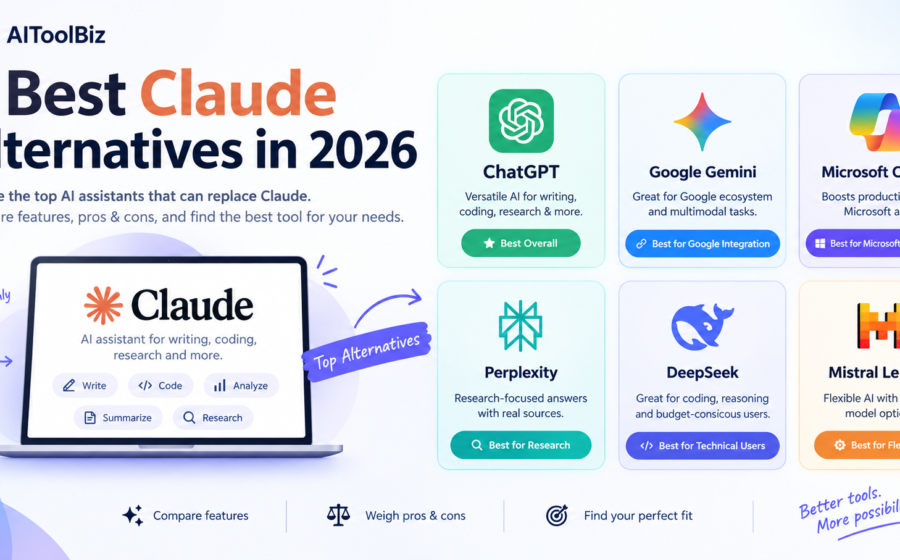
In this guide, we compare six of the best Claude alternatives in 2026: ChatGPT, Google Gemini, Microsoft Copilot, Perplexity, DeepSeek, and Mistral Le Chat. We examine their features, advantages, disadvantages, pricing considerations, and ideal use cases to help you choose the right tool.
Whether you are a blogger, student, developer, researcher, freelancer, or business owner, this list will help you find a suitable alternative to Claude.
For Full Review: Claude Review 2026: Features, Pricing, Pros, Cons & Alternatives
Quick Comparison: Best Claude Alternatives
| AI Tool | Best For | Free Plan | Main Advantage |
|---|---|---|---|
| ChatGPT | General-purpose AI and content creation | Yes, with limits | Broad range of AI capabilities |
| Google Gemini | Google ecosystem and multimodal tasks | Yes, with limits | Integration with supported Google services |
| Microsoft Copilot | Productivity and Microsoft applications | Yes, with limits | Microsoft ecosystem integration |
| Perplexity | Online research and source discovery | Yes, with limits | Research-focused answers with citations |
| DeepSeek | Reasoning, coding, and budget-conscious users | Free access options; limits may apply | Accessible AI models and developer options |
| Mistral Le Chat | Business productivity and flexible AI deployment | Free tier available; limits may apply | Mistral’s AI ecosystem and model options |
Note: Free-plan limits, paid subscriptions, and feature availability can change. Check each provider’s official website for current details.
Table of Contents
Why Look for Claude Alternatives?
Claude is a capable AI assistant, but different users have different priorities. Before choosing a replacement, it helps to understand what you want to improve.
1. You Want More AI Features
You may prefer an assistant that combines text generation with image creation, voice conversations, data analysis, research, or other productivity tools. The availability of these features differs between platforms and subscription plans.
2. You Need Better Web Research
If your work involves researching current topics, checking facts, or finding sources for articles, a research-focused assistant such as Perplexity may fit your workflow better.
3. You Want to Reduce Costs
If you only use AI occasionally, paying for a premium subscription may not be necessary. Several alternatives offer free access, although usage limits and advanced capabilities vary.
4. You Prefer Existing App Integrations
If you regularly work with Google Workspace or Microsoft 365, an assistant integrated with those services may reduce the need to switch between applications.
5. You Need a Different Coding Workflow
Developers may want tools that offer different models, API access, coding assistance, or deployment options. The right choice depends on whether you need a conversational coding assistant or a more specialized development workflow.
1. ChatGPT — Best Overall Claude Alternative
Website: ChatGPT
ChatGPT is one of the strongest alternatives to Claude for users who want a versatile AI assistant. It supports a broad range of activities, including writing, brainstorming, research, programming, data analysis, and working with supported files and images.
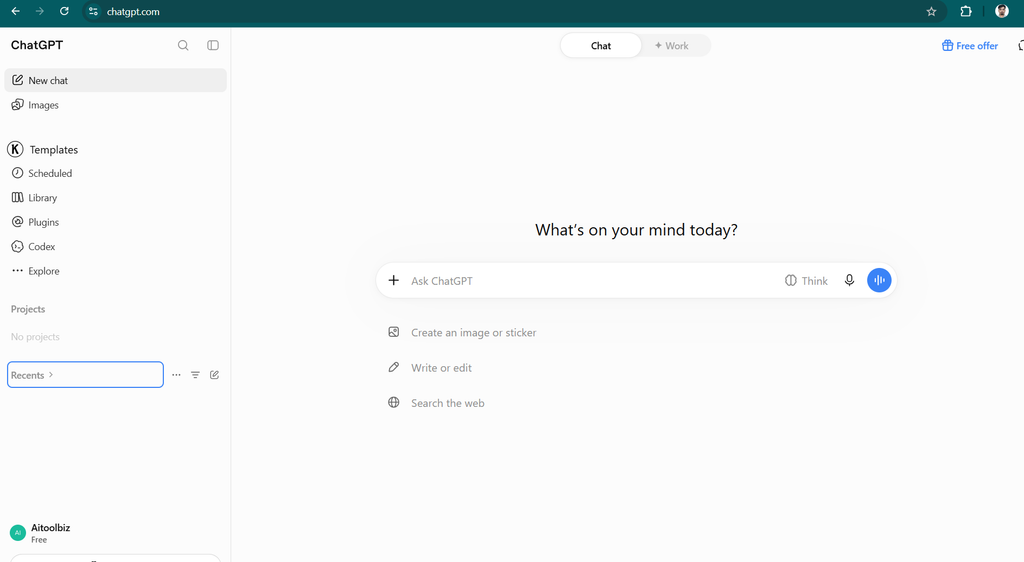
While Claude is often considered for long-form writing and document-based tasks, ChatGPT is worth evaluating if you want a wider variety of AI capabilities in one place.
Key Features of ChatGPT
AI Writing and Content Creation: ChatGPT can help draft blog posts, product reviews, email newsletters, website copy, social media content, and other written materials. You can also ask it to rewrite existing text, improve readability, and adapt the tone to your audience.
Coding Assistance: ChatGPT can explain programming concepts, generate code, troubleshoot errors, and help developers plan software projects.
Data Analysis: Supported tools can help users interpret spreadsheets, analyze datasets, create charts, and understand numerical information.
Image and Voice Features: Depending on your plan and available tools, ChatGPT supports image-related capabilities and voice interactions, making it useful for tasks beyond conventional text conversations.
Research and File Workflows: ChatGPT can help organize research, work with uploaded files, and explore information using supported research tools.
ChatGPT Pros and Cons
| Pros | Cons |
|---|---|
| Versatile assistant for many tasks | Some advanced features require paid access |
| Useful for writing, coding, and data analysis | Usage limits vary by plan |
| Supports image and voice capabilities | Can generate incorrect information |
| Offers free access | Complex prompts may need refinement |
| Suitable for personal and professional workflows | Feature availability differs across plans |
ChatGPT Pricing
ChatGPT offers a free plan and several paid options. Paid subscriptions provide different usage limits and capabilities, depending on the plan and region.
Visit the official website for current pricing: ChatGPT Pricing
Who Should Use ChatGPT?
ChatGPT is a good option for bloggers, students, developers, marketers, and business owners who need one assistant for multiple types of work.
If you want an alternative to Claude that can support writing, research, coding, and interactive tasks, ChatGPT is an excellent place to start.
Our verdict: ChatGPT is the best overall alternative for users who prioritize versatility and a broad set of AI capabilities.
2. Google Gemini — Best for Google Integration
Website: Google Gemini
Google Gemini is an AI assistant that competes with Claude in writing, research, reasoning, and multimodal tasks. It is particularly worth considering if you already use Google’s applications and services.
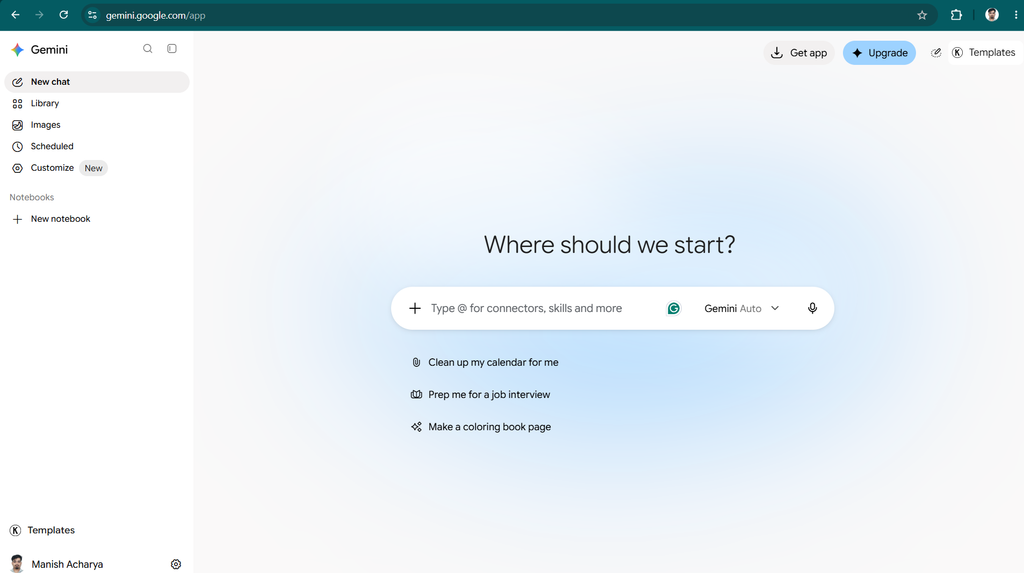
Gemini can help users write content, summarize information, understand images, brainstorm ideas, and complete other everyday tasks. Its available capabilities depend on the selected model, subscription, and supported integrations.
Key Features of Google Gemini
Writing Assistance: Gemini can generate article outlines, emails, summaries, social media posts, and other forms of content.
Google Ecosystem Integration: Depending on your account and plan, Gemini can work with supported Google services, making it potentially useful for people who regularly use Gmail, Docs, Drive, and other Google products.
Multimodal Understanding: Gemini supports different types of input, including text and images, with additional capabilities varying by model and plan.
Research Support: Gemini can assist with finding and organizing information, answering questions, and exploring unfamiliar subjects.
Learning and Productivity: Students and professionals can use Gemini to explain difficult concepts, summarize material, brainstorm solutions, and organize tasks.
Google Gemini Pros and Cons
| Pros | Cons |
|---|---|
| Useful for everyday AI assistance | Advanced features may require a subscription |
| Integrates with supported Google services | Some integrations depend on account eligibility |
| Supports multimodal tasks | Answers can contain factual errors |
| Offers a free tier | Usage limits and capabilities can change |
| Helpful for research and learning | May not replace specialist writing or SEO software |
Google Gemini Pricing
Gemini offers free access and paid plans with additional features or higher usage limits. Some AI capabilities are also bundled with eligible Google subscriptions.
Check current plans here: Google Gemini
Who Should Use Google Gemini?
Gemini is a good choice for students, professionals, and content creators who already use Google’s ecosystem.
It may be a particularly convenient alternative to Claude if you want AI assistance alongside supported Google productivity tools.
Our verdict: Choose Gemini if Google integration and multimodal assistance are important to your daily workflow.
3. Microsoft Copilot — Best for Microsoft Productivity
Website: Microsoft Copilot
Microsoft Copilot is an AI assistant designed to help users with writing, research, summarization, and productivity. It is especially relevant for people who work with Microsoft products and services.
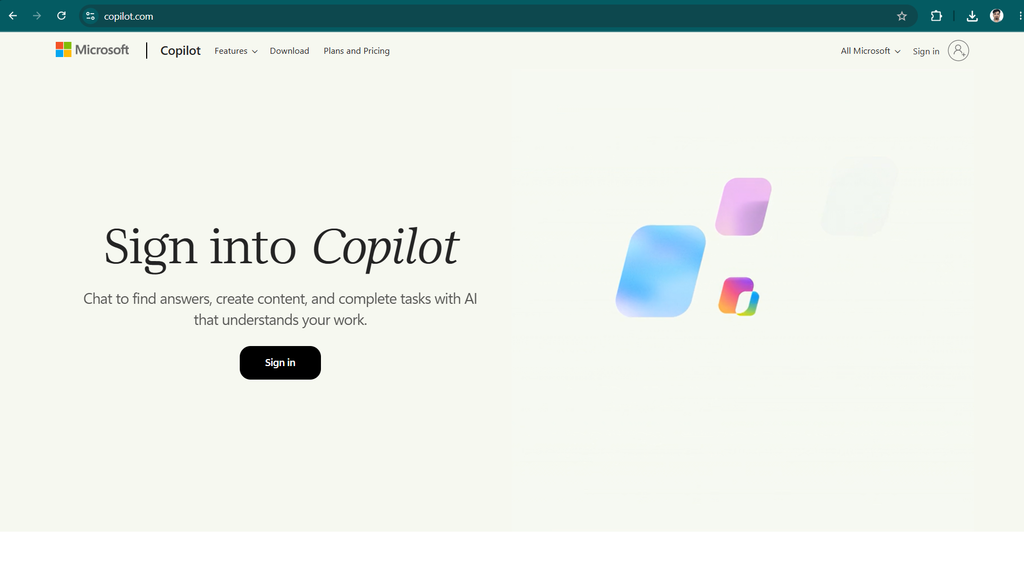
Like Claude, Copilot can answer questions, generate text, summarize information, and assist with problem-solving. Its main distinction is its connection to Microsoft’s broader software ecosystem.
Key Features of Microsoft Copilot
Content Generation: Copilot can help create emails, reports, summaries, presentations, and other business documents.
Web-Assisted Answers: Supported experiences can retrieve information from the web and provide references, helping users explore topics and check claims.
Microsoft 365 Integration: Eligible plans offer AI features within supported Microsoft applications, which may include Word, Excel, PowerPoint, Outlook, and Teams.
Business Productivity: Copilot can assist with summarizing meetings, organizing information, drafting communications, and preparing business materials where the relevant features are available.
Everyday Assistance: Individual users can use Copilot for brainstorming, learning, writing, and general questions.
Microsoft Copilot Pros and Cons
| Pros | Cons |
|---|---|
| Useful for Microsoft-oriented workflows | Advanced integrations may require a paid plan |
| Can help draft and summarize documents | Features vary by subscription |
| Supports everyday questions and research | Business features may require eligible licenses |
| Offers free access options | AI-generated answers still require verification |
| Suitable for individual and business use | Less attractive if you do not use Microsoft products |
Microsoft Copilot Pricing
Microsoft provides free Copilot experiences alongside paid consumer and business offerings. Pricing depends on the product, subscription, and whether you need Microsoft 365 integration.
Visit the official website for details: Microsoft Copilot Pricing
Who Should Use Microsoft Copilot?
Copilot is suitable for professionals, students, and businesses that rely on Microsoft’s applications.
If you spend much of your working day in Word, Excel, Outlook, PowerPoint, or Teams, Copilot may fit your workflow better than a standalone AI assistant.
Our verdict: Microsoft Copilot is a strong Claude alternative for people who want AI assistance within the Microsoft ecosystem.
4. Perplexity — Best for Research and Source Discovery
Website: Perplexity
Perplexity is an AI-powered answer and research platform designed to help users explore questions and discover relevant sources. Unlike a traditional writing-focused assistant, its central appeal is research-oriented answers with linked references.
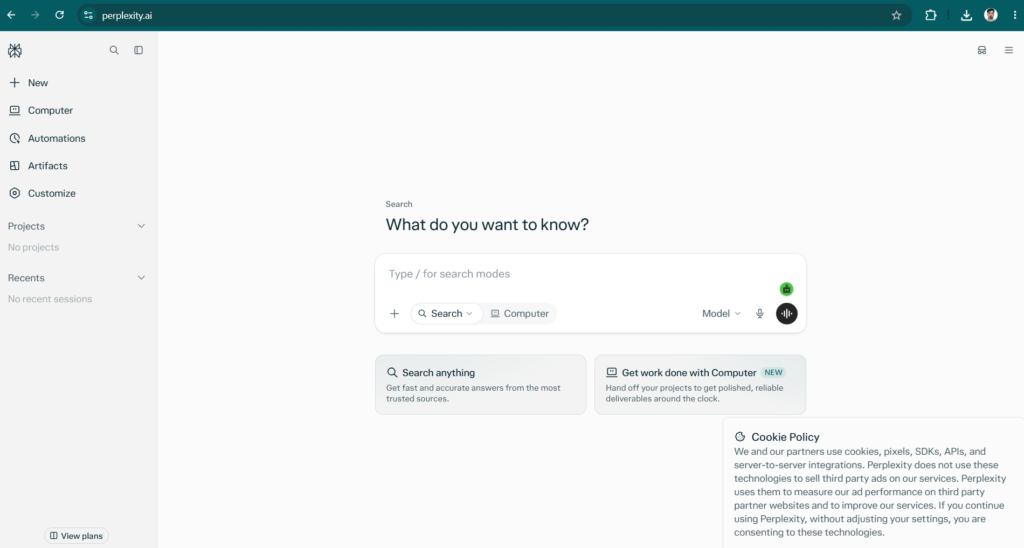
This makes it worth considering if you use Claude to investigate topics, gather background information, or prepare research for articles.
Key Features of Perplexity
Source-Linked Answers: Perplexity can provide answers with references to sources, helping users investigate the original material behind a response.
Web Research: It is designed to help users find information across online sources and explore questions that require research.
Follow-Up Questions: Users can ask follow-up questions to investigate a topic in greater depth.
Research Organization: Supported features can help users organize searches and explore related information.
Content Research: Bloggers, journalists, and marketers can use Perplexity to identify useful sources and gather background information before writing.
Perplexity Pros and Cons
| Pros | Cons |
|---|---|
| Designed for research and source discovery | Citations do not guarantee accuracy |
| Useful for investigating current topics | Some advanced features require paid access |
| Links can help users verify claims | Not primarily a dedicated marketing-writing platform |
| Offers free access options | Source quality varies |
| Useful for research preparation | Important claims still need independent verification |
Perplexity Pricing
Perplexity offers a free plan and paid subscriptions with additional features and usage allowances. Exact pricing and limits may change.
Check the official website: Perplexity
Who Should Use Perplexity?
Perplexity is suitable for researchers, students, bloggers, journalists, and professionals who frequently investigate topics or need help locating sources.
If your biggest reason for seeking a Claude alternative is research and source discovery rather than creative writing, Perplexity deserves a place on your shortlist.
Our verdict: Perplexity is a strong option for research-oriented workflows, particularly when you want linked sources to investigate further.
5. DeepSeek — Best for Budget-Conscious AI Users
Website: DeepSeek
DeepSeek is an AI platform known for its language models and reasoning capabilities. It is worth considering if you want another option for coding, mathematical problems, technical questions, and general AI assistance.
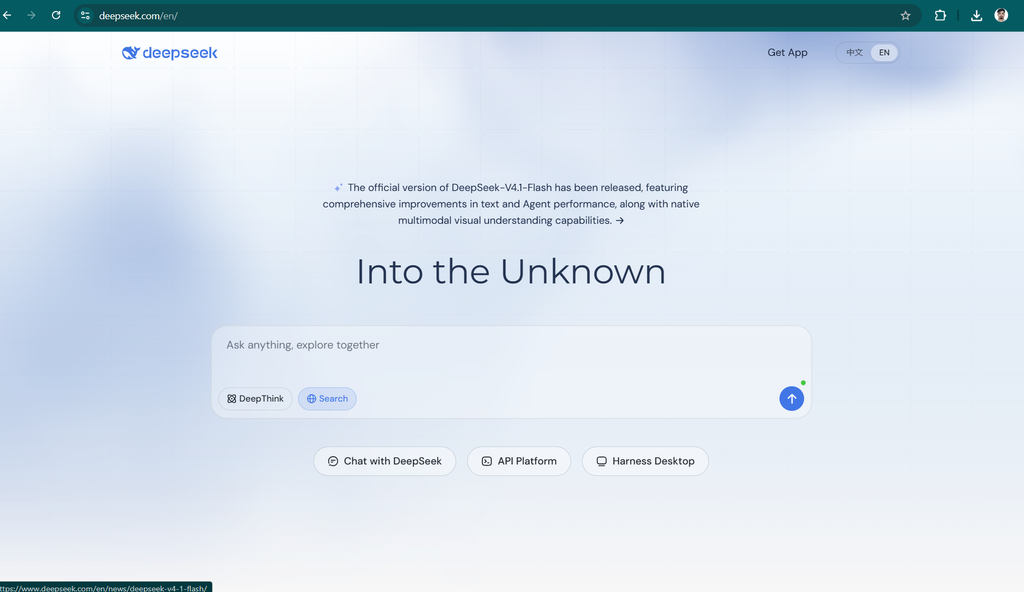
Its model and API offerings also make it relevant to developers who want to experiment with different AI systems.
Key Features of DeepSeek
Reasoning Assistance: DeepSeek’s available models can help with complex questions, structured problem-solving, and technical tasks.
Coding Support: Developers can use DeepSeek to generate code, explain programming concepts, and explore possible debugging solutions.
Mathematical Tasks: Depending on the model, DeepSeek can help work through calculations, mathematical reasoning, and technical problems.
General AI Conversations: Users can ask questions, request summaries, brainstorm ideas, and obtain writing assistance.
Developer Access: DeepSeek offers API access for developers who want to integrate its models into supported applications. Pricing depends on the model and API usage.
DeepSeek Pros and Cons
| Pros | Cons |
|---|---|
| Useful for technical and reasoning tasks | Output quality varies by model and task |
| Can assist with coding | Generated code requires testing |
| Offers developer API options | API usage may incur costs |
| Provides an alternative to major AI assistants | Privacy and data handling should be reviewed carefully |
| Can be attractive to budget-conscious users | Availability and service limits may change |
DeepSeek Pricing
DeepSeek’s consumer access and API pricing are separate considerations. Some models and access options may be available at no charge, while API usage can be billed according to the model and token consumption.
Check the official website for current details: DeepSeek
Who Should Use DeepSeek?
DeepSeek is worth evaluating for developers, technically minded users, students, and people who want to compare different AI models without immediately committing to an expensive subscription.
Before using it for sensitive work, review the provider’s current privacy policy and data-handling terms.
Our verdict: DeepSeek is a useful alternative to test for coding, technical questions, and budget-conscious AI workflows.
6. Mistral Le Chat — Best for Flexible AI Options
Website: Mistral Le Chat
Mistral Le Chat is an AI assistant from Mistral AI. It supports conversational AI tasks such as writing, summarization, research assistance, and productivity.
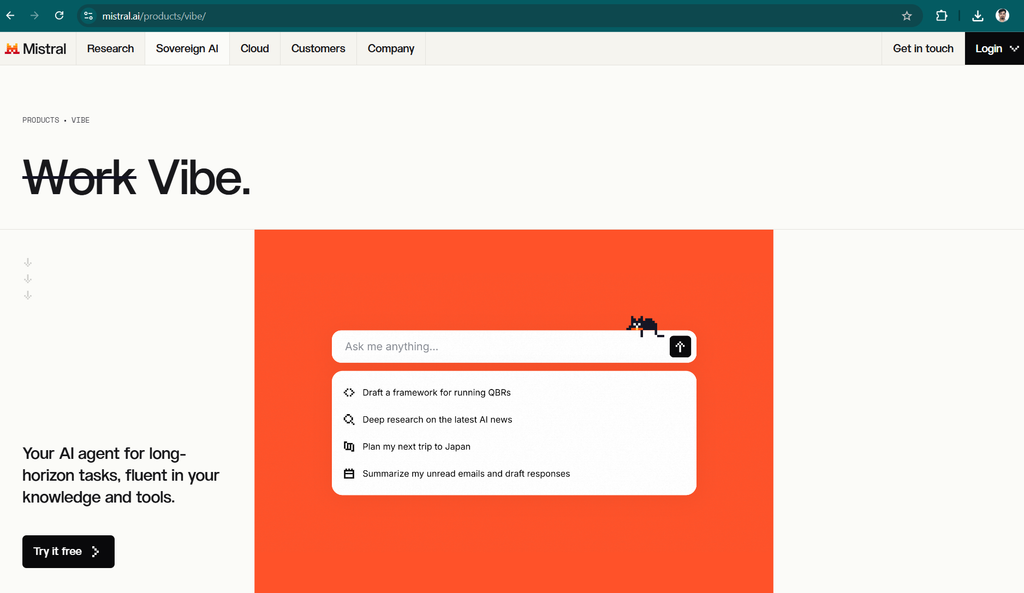
Mistral is also known for offering models through its developer platform, including models with open-weight availability. This makes the wider Mistral ecosystem worth considering for users and organizations that want different deployment options.
Key Features of Mistral Le Chat
Writing and Summarization: Le Chat can help users draft text, summarize information, and improve written material.
Research Assistance: Supported features can help users investigate questions and organize information.
Multimodal Capabilities: Available models and features may support different types of input, depending on the product and plan.
Business Productivity: Teams can evaluate Mistral’s tools for workflows involving documents, information retrieval, and everyday AI assistance.
Developer and Deployment Options: Mistral provides model and API offerings, with specific deployment choices depending on the model, license, and service.
Mistral Le Chat Pros and Cons
| Pros | Cons |
|---|---|
| Supports a range of AI assistant tasks | Capabilities vary by model |
| Offers developer platform options | API use may involve additional costs |
| Some models have open-weight availability | Open weights do not mean every model is unrestricted |
| Useful for writing and summarization | May require evaluation against your specific tasks |
| Offers a free access option | Advanced features and usage limits can change |
Mistral Le Chat Pricing
Mistral offers consumer access options as well as paid services for developers and businesses. Pricing depends on the subscription or API service selected.
Visit the official website: Mistral Le Chat
Who Should Use Mistral Le Chat?
Mistral Le Chat is worth exploring if you want an alternative conversational assistant or are interested in the broader Mistral model ecosystem.
Developers and businesses should examine the licensing, hosting, privacy, and deployment terms of the particular model or service they plan to use.
Our verdict: Mistral Le Chat is a worthwhile alternative for users who want another general-purpose AI assistant and may benefit from Mistral’s developer ecosystem.
Claude Alternatives Compared: Which One Should You Choose?
The right alternative depends on what you want Claude to do. Here is a quick guide to choosing between the six tools.
| Tool | Choose It If You Need | Main Limitation |
|---|---|---|
| ChatGPT | A versatile assistant for writing, coding, data analysis, and creative tasks | Some features have usage limits |
| Google Gemini | AI assistance connected to supported Google services | Integration depends on your account and plan |
| Microsoft Copilot | Productivity support within the Microsoft ecosystem | Advanced features may require eligible subscriptions |
| Perplexity | Research and linked sources | Sources and answers still need verification |
| DeepSeek | Coding, technical questions, and model experimentation | Privacy and model differences require consideration |
| Mistral Le Chat | General AI assistance and access to Mistral’s ecosystem | Feature and deployment options vary |
Which Claude Alternative Is Best for Your Needs?
- Choose ChatGPT if you want a versatile AI assistant for writing, brainstorming, coding, and other everyday tasks.
- Choose Google Gemini if you use Google services and want an assistant that fits that ecosystem.
- Choose Microsoft Copilot if your work depends on Microsoft applications and supported productivity integrations.
- Choose Perplexity if you spend a lot of time researching topics and following source links.
- Choose DeepSeek if you want to experiment with AI for coding, reasoning, or technical work.
- Choose Mistral Le Chat if you want another general-purpose assistant and are interested in Mistral’s broader model options.
There is no universal winner. A researcher may value linked sources more than a content writer, while a business professional may care most about integration with existing applications.
How to Choose the Right Claude Alternative
Before switching from Claude, consider these four factors.
1. Your Main Use Case
Start by identifying the work you want the AI tool to handle. If you mainly create blog articles, compare writing quality and editing capabilities. If you research current topics, focus on source discovery and verification. If you code, test the tools against your actual programming tasks.
2. Your Budget
A free plan can be enough for occasional AI assistance. If you need more usage, compare the subscription prices, feature limits, and billing terms of each service.
Do not choose a paid plan simply because it has more features. Choose one that solves a problem you regularly encounter.
3. Privacy and Data Handling
If you plan to upload business documents, customer information, source code, or other sensitive material, read the provider’s privacy policy and terms.
Check whether your intended plan includes the data controls, retention terms, and administrative features you require.
4. Accuracy and Reliability
No AI assistant is consistently correct. Test each tool with the same prompts and documents, verify important claims, and evaluate the quality of the output before using it for professional work.
For bloggers, this includes checking software pricing, product features, statistics, and claims against reliable original sources.
Conclusion: Which Claude Alternative Is Best in 2026?
The best Claude alternative depends on your priorities, but ChatGPT is our first recommendation for users who want a versatile AI assistant for a wide range of tasks.
Google Gemini is a strong choice for people who rely on Google’s ecosystem, while Microsoft Copilot may be more convenient for Microsoft-oriented workflows. Perplexity is particularly relevant to research, DeepSeek is worth testing for technical tasks, and Mistral Le Chat offers another option within a broader model ecosystem.
Here are our final recommendations:
- Best overall: ChatGPT
- Best for Google integration: Google Gemini
- Best for Microsoft productivity: Microsoft Copilot
- Best for research: Perplexity
- Best for budget-conscious technical users: DeepSeek
- Best for exploring alternative model options: Mistral Le Chat
If you are unsure which tool is right for you, start with the free options and test each one against your real tasks. Compare the accuracy, writing quality, speed, usability, and limits rather than relying on marketing claims alone.
Claude remains a capable AI assistant, but exploring alternatives can help you find a tool that better matches your workflow and budget.
Frequently Asked Questions
What is the best Claude alternative in 2026?
ChatGPT is our recommended overall alternative because it supports a wide range of tasks, including writing, coding, research, and data analysis. However, Gemini, Copilot, and Perplexity may be better fits for particular workflows.
Are there free alternatives to Claude?
Yes. ChatGPT, Google Gemini, Microsoft Copilot, Perplexity, DeepSeek, and Mistral Le Chat offer free access options. Usage limits and available features vary, so check the relevant provider’s website.
Which Claude alternative is best for writing blog posts?
ChatGPT and Gemini are worth comparing for blog writing, outlining, rewriting, and brainstorming. The best choice depends on your preferred writing style and how much editing the output requires.
For professional publishing, verify factual claims, add original insights, and review the article before publishing.
Which Claude alternative is best for research?
Perplexity is a strong option for source-oriented research because it provides linked references in its answers. ChatGPT and Gemini can also assist with research through their supported tools.
Always check original sources rather than assuming that a citation automatically makes an answer accurate.
Which Claude alternative is best for coding?
ChatGPT and DeepSeek are worth testing for code generation, debugging, and technical explanations. Other tools may also be suitable depending on your programming language, development environment, and project requirements.
Test generated code before using it in production.
Is ChatGPT better than Claude?
Neither assistant is better for every task. Claude may suit users who prefer its writing style or document workflows, while ChatGPT may appeal to users who want a broader selection of capabilities and interactive tools. Compare them using the same tasks to determine which works best for you.
Is DeepSeek a good alternative to Claude?
DeepSeek is worth evaluating for technical questions, reasoning, coding, and API-based development. Its suitability depends on the model, your privacy requirements, and the quality of its responses for your particular tasks.
Can I use Claude alternatives for SEO content?
Yes. These AI assistants can help generate outlines, draft articles, brainstorm keywords, improve readability, and organize research. However, they do not all provide dedicated keyword research or rank-tracking features.
Use specialist SEO tools where necessary, and ensure that your content is accurate, useful, and original.
Do I need to pay for a Claude alternative?
Not necessarily. Free tiers can be sufficient for occasional use. Consider a paid subscription only if you need higher limits, advanced features, or capabilities that are unavailable on the free plan.
Can I use more than one AI assistant?
Yes. Many users combine different AI tools to suit different tasks. For example, you could use Perplexity to discover sources, ChatGPT to develop an article draft, and another tool to review the final content. Verify important information at every stage.