
AI Detection Tools
Artificial intelligence has changed the way people write articles, assignments, emails, marketing content, and other forms of digital content. Tools such as ChatGPT, Claude, and Gemini can generate text in seconds, making content creation faster and easier than ever before.
However, the growing use of AI-generated writing has created a new challenge: how can you determine whether a piece of content was written by a human or generated with AI?
This is where AI detection tools become useful.
The best AI detection tools analyze writing patterns and estimate whether text may have been generated by artificial intelligence. They can help teachers review assignments, publishers evaluate submissions, SEO professionals check content, and writers understand how their work might be classified.
But there is one important limitation: no AI detector can reliably prove authorship in every situation. Human-written content can sometimes be incorrectly flagged as AI-generated, while AI-generated text may go undetected.
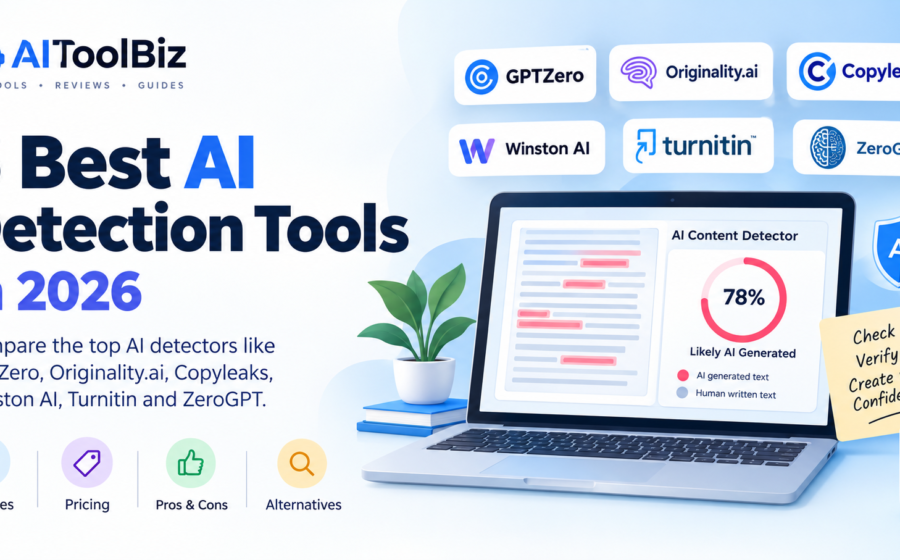
In this guide, we explore the six best AI detection tools in 2026, including their features, pricing considerations, advantages, disadvantages, and ideal use cases.
Quick Comparison: 6 Best AI Detection Tools
| AI Detection Tool | Best For | Free Option | Main Advantage |
|---|---|---|---|
| GPTZero | Students and educators | Yes, with limits | Sentence-level analysis |
| Originality.ai | Bloggers and SEO professionals | Limited access may be available. | AI detection and plagiarism checking |
| Copyleaks | Businesses and educational institutions | Limited options | Multilingual detection and integrations |
| Winston AI | Publishers and content teams | Trial or limited access, depending on current offer | Content analysis and reporting |
| Turnitin | Schools and universities | Generally institution-access only | Academic integrity workflows |
| ZeroGPT | Casual users and quick checks | Yes | Simple browser-based checking |
Note: Free allowances, subscriptions, and features may change. Check each provider’s official website for current terms before purchasing.
1. GPTZero—Best AI Detection Tool for Students and Educators
Best for: Teachers, students, academic reviewers, and individuals checking written content.
GPTZero is an AI writing detection platform designed to estimate whether text was produced by an AI model or written by a human. It is particularly associated with education and academic writing.
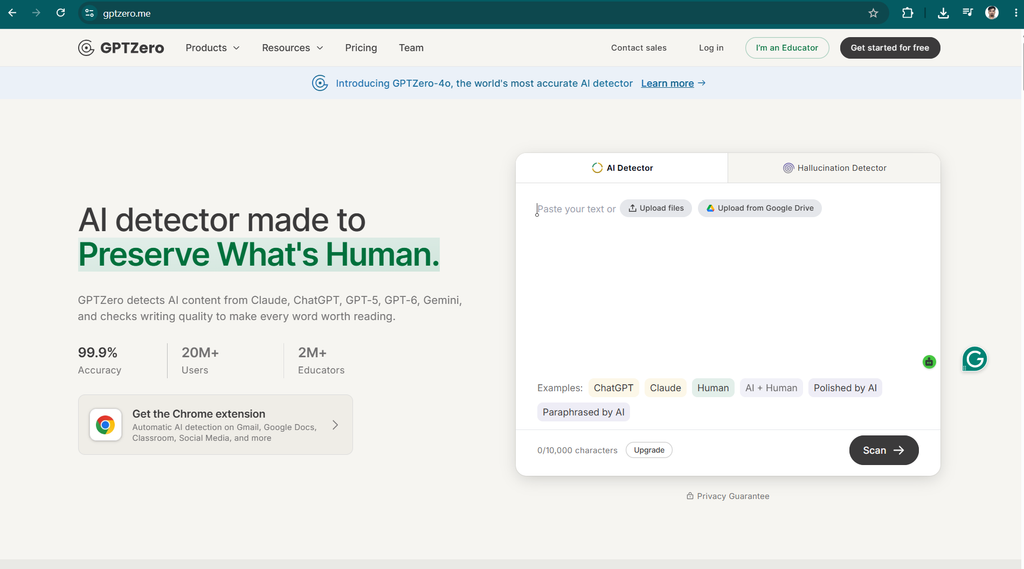
The platform analyzes writing patterns and can highlight individual sentences that appear more likely to be AI-generated. This can help users identify sections that deserve further review instead of relying entirely on a single overall score.
GPTZero is a practical starting point for teachers reviewing assignments or writers checking their own drafts.
Key Features
- AI-generated text detection.
- Sentence-level highlighting and analysis.
- Document and batch-scanning options, depending on the plan.
- Writing-process and authorship-related features.
- Tools and integrations designed for educational workflows.
Pricing
GPTZero offers free access with usage limits and paid plans for users who need additional capacity or features. Check the official pricing page for the latest subscription details.
Website: GPTZero
Pros and Cons
| Pros | Cons |
|---|---|
| Accessible starting point for AI detection | Free usage has limitations |
| Provides sentence-level feedback | Results can be incorrect |
| Useful for educational workflows | Edited AI text can be difficult to classify |
| Offers additional features for eligible plans | A score does not establish authorship |
Verdict: GPTZero is a good first choice for educators and individuals who want to investigate potentially AI-generated writing. Use its results as a starting point for review, not as proof of misconduct.
2. Originality.ai — Best for Bloggers and SEO Professionals
Best for: Bloggers, website owners, editors, publishers, and content marketing agencies.
Originality.ai is designed for professional content workflows. In addition to AI detection, it offers tools that can help publishers review content quality and originality.
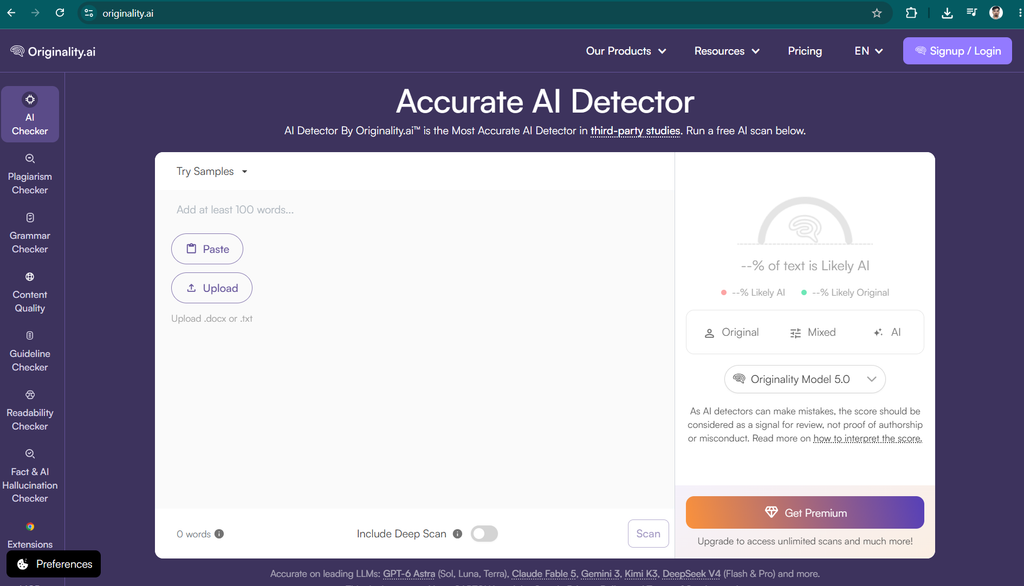
For SEO professionals, the platform can be useful when reviewing articles submitted by freelance writers or evaluating large amounts of content before publication.
Its combination of AI detection and plagiarism checking makes it especially relevant to content teams that need more than a basic text checker.
Key Features
- AI-generated content detection.
- Plagiarism checking.
- Readability analysis and additional editorial tools.
- Bulk-scanning capabilities.
- Team workflows and integrations, depending on the plan.
Pricing
Originality.ai offers paid access and credit-based options, with the available features and costs depending on the selected plan. Limited testing options may also be available.
Check the official website for current pricing and credit limits.
Website: Originality.ai
Pros and Cons
| Pros | Cons |
|---|---|
| Designed for professional publishers | Frequent use may require a paid plan |
| Combines AI detection and plagiarism checks | Credits and usage limits require attention |
| Useful for reviewing multiple articles | False positives remain possible |
| Offers team-oriented workflows | May be excessive for occasional checks |
Verdict: Originality.ai is worth considering for bloggers and SEO agencies that regularly review articles from multiple writers. It is particularly useful when AI detection needs to be part of a broader editorial quality-control process.
3. Copyleaks — Best for Multilingual and Enterprise Use
Best for: Businesses, educational institutions, publishers, and organizations working across multiple languages.
Copyleaks offers AI content detection alongside plagiarism detection and integrations for larger organizations.
One of its key advantages is its focus on multilingual workflows. This can be valuable for organizations that review content written in different languages or need detection integrated into existing educational and business systems.
Copyleaks also offers integrations and developer-oriented capabilities, making it relevant to institutions that want to incorporate detection into their own workflows.
Key Features
- AI-generated text detection.
- Plagiarism detection.
- Support for multiple languages.
- Integrations with selected learning management systems.
- API and enterprise workflow options.
Pricing
Copyleaks offers different options for individual users and organizations. Costs and included usage vary by subscription, billing frequency, and the services selected.
Check its official website for current plans.
Website: Copyleaks
Pros and Cons
| Pros | Cons |
|---|---|
| Supports multilingual content workflows | Pricing and usage limits can be complex |
| Combines AI and plagiarism detection | Advanced features may require paid access |
| Offers integrations for organizations | Detection accuracy varies by content |
| Suitable for larger review workflows | Setup may be unnecessary for casual users |
Verdict: Copyleaks is a strong option for organizations that need AI detection across multiple languages and want to integrate it into existing systems.
4. Winston AI — Best for Content Teams and Reporting
Best for: Publishers, educators, agencies, and teams that need structured content reviews.
Winston AI is a content detection platform that focuses on identifying potentially AI-generated writing. It also provides plagiarism-related capabilities and reporting features.
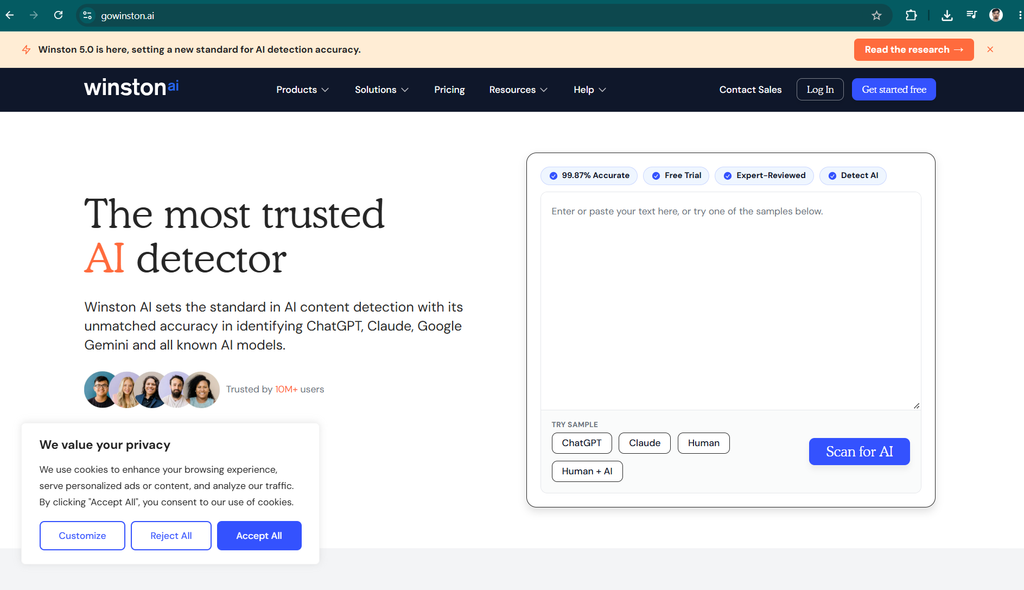
For professional users, reports can help organize review results and communicate findings to other team members. Depending on the available plan, the platform may also provide document-related features and additional content analysis options.
Winston AI is worth considering when a business needs a dedicated interface for reviewing submitted articles and managing the results.
Key Features
- AI-generated text detection.
- Plagiarism-checking features.
- Reports for documenting scan results.
- Document and text analysis.
- Additional tools and integrations, depending on the subscription.
Pricing
Winston AI offers paid plans and may provide trial or limited-access options. The amount of text you can scan and the features available depend on the selected plan.
Visit its official website for current pricing.
Website: Winston AI
Pros and Cons
| Pros | Cons |
|---|---|
| Dedicated content-review workflow | Some features require a subscription |
| Reporting options for professional use | Reports do not prove authorship |
| Useful for publishers and teams | Results may vary by writing style |
| Offers additional content-checking features | May be unnecessary for occasional users |
Verdict: Winston AI is a useful candidate for content teams that want a dedicated detection platform with reporting and document-review features.
5. Turnitin — Best for Schools and Universities
Best for: Teachers, universities, academic institutions, and educational administrators.
Turnitin is widely known for its academic integrity and plagiarism-checking services. Its AI writing detection capabilities can help eligible institutions review submitted academic work.
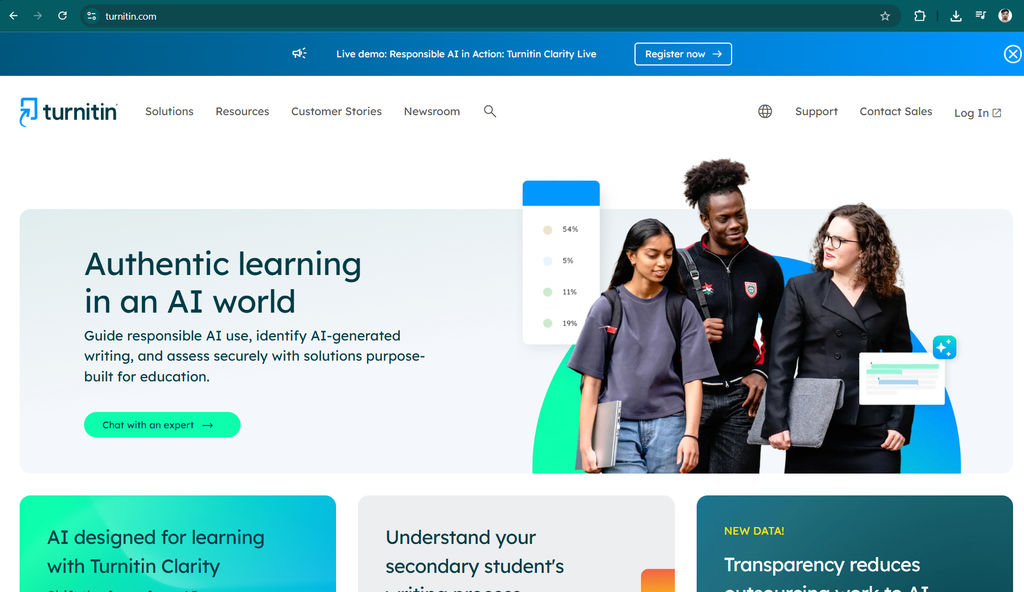
Unlike many browser-based detectors, Turnitin is primarily associated with institutional and educational workflows. Access is generally provided through a participating school or university rather than a standard individual subscription.
This makes it especially relevant for educators who already use Turnitin to review assignments and manage academic submissions.
Key Features
- AI writing detection for eligible institutional users.
- Plagiarism and similarity checking.
- Academic assignment review workflows.
- Integration with supported learning management systems.
- Tools for educators and institutions.
Pricing
Turnitin generally operates through institutional licensing. Individual access and pricing may not be available in the same way as consumer-focused AI detectors.
Students should check whether their school or university provides access.
Website: Turnitin
Pros and Cons
| Pros | Cons |
|---|---|
| Designed for academic workflows | Usually requires institutional access |
| Combines with broader academic integrity tools | Not ideal for independent bloggers |
| Supports educational integrations | Individual pricing may not be publicly available |
| Familiar to many academic institutions | AI detection can produce false positives |
Verdict: Turnitin is a relevant choice for schools and universities that already use its academic integrity platform. It is less suitable for someone who simply wants to check a blog post without institutional access.
6. ZeroGPT — Best Free Option for Quick AI Checks
Best for: Casual users, students, bloggers, and anyone who wants to perform a quick preliminary check.
ZeroGPT is a browser-based AI detection tool that lets users paste text and receive an estimate of whether it may have been generated by AI.
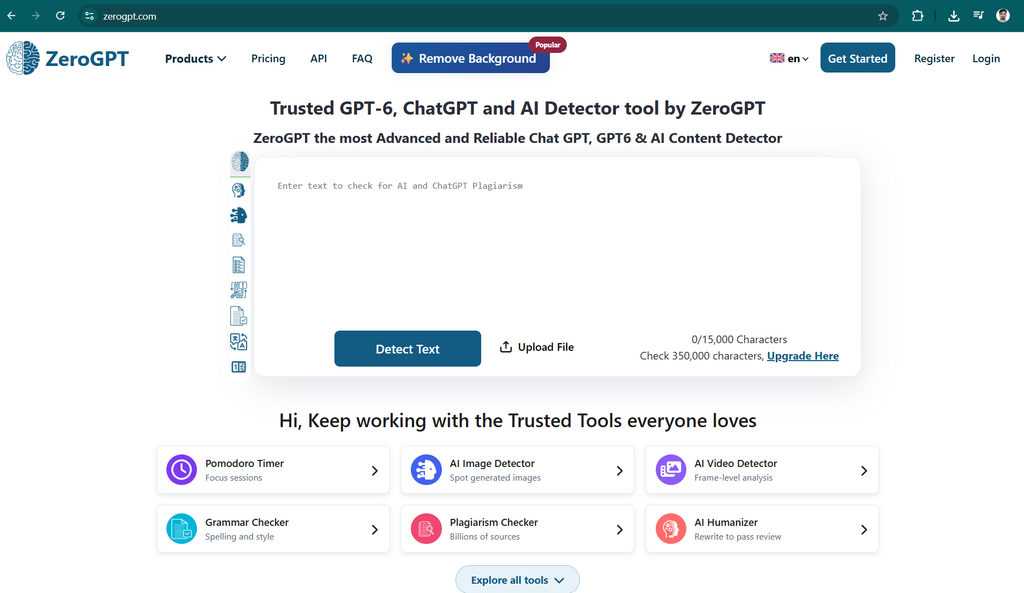
Its straightforward interface makes it accessible to people who do not need advanced integrations, team management, or complex reporting.
For someone who occasionally wants to check a paragraph or article, ZeroGPT can be a convenient starting point.
Key Features
- Browser-based AI text detection.
- Simple text input and scanning.
- Results presented through an easy-to-understand interface.
- Additional writing-related utilities may be available.
- Paid options may provide higher limits or extra functionality.
Pricing
ZeroGPT offers free AI detection, with usage limits and additional options that may vary. Review the official website for the latest terms.
Website: ZeroGPT
Pros and Cons
| Pros | Cons |
|---|---|
| Easy for beginners to use | Results can be inaccurate |
| Free checking is available | Advanced features may require payment |
| Suitable for quick preliminary scans | Less suited to complex organizational workflows |
| No complicated setup for basic checks | Should not be the only detector used |
Verdict: ZeroGPT is a reasonable starting point for people who want a quick, free preliminary check. For important decisions, compare its output with other evidence rather than trusting the result alone.
Which AI Detection Tool Is Best for You?
Choosing the right AI detector depends on what you want to accomplish.
| Your Requirement | Recommended Tool | Why |
|---|---|---|
| Checking student assignments | GPTZero | Education-focused detection features |
| Reviewing blog posts for SEO | Originality.ai | AI detection and editorial tools |
| Checking multilingual content | Copyleaks | Multilingual and integration-oriented workflows |
| Creating reports for a content team | Winston AI | Reporting and document-review features |
| Reviewing university assignments | Turnitin | Institutional academic workflows |
| Checking text quickly for free | ZeroGPT | Simple browser-based access |
These recommendations are based on the tools’ intended use cases, not a claim that one detector is universally the most accurate.
How Do AI Detection Tools Work?
AI detection tools use statistical patterns and machine-learning techniques to estimate whether text resembles AI-generated writing.
Several concepts help explain how these tools work.
1. Predictability: Some detectors evaluate how predictable a sequence of words appears. AI-generated writing can sometimes follow patterns that differ from human writing, although the distinction is not reliable in every case.
2. Writing patterns: Detectors may examine sentence structures, word choices, repetition, and other characteristics associated with the text they were trained to recognize.
3. Classification models: A detection system uses learned patterns to classify text or estimate the likelihood that AI contributed to it.
4. Passage-level analysis: Some tools highlight individual sentences or passages that appear more likely to be AI-generated.
5. Confidence scores: A detector may present a percentage or category. This is an estimate from the particular system, not a universal probability that a person used AI.
Different detectors use different methods and training data, so they may produce conflicting results for the same article.
Are AI Detection Tools 100% Accurate?
No. AI detection tools are not 100% accurate, and their results should be interpreted carefully.
A detector may incorrectly flag human-written text as AI-generated. It may also fail to recognize AI-generated writing, particularly if the text has been substantially edited or rewritten.
Writing style, text length, language proficiency, subject matter, and the detector’s underlying model can all affect the outcome.
This is particularly important when evaluating students who write in a second language or people whose writing style is naturally formal or repetitive.
If a detector flags a piece of content, consider reviewing the original drafts, revision history, cited sources, and the author’s explanation before reaching a conclusion.
Important: Never use a detector score alone to accuse someone of plagiarism, establish misconduct, or make another consequential decision.
Tips for Choosing the Best AI Detector
Before choosing an AI detection tool, consider these factors:
- Accuracy evidence: Look for independent evaluations and information about false positives, not just marketing claims.
- Pricing: Determine whether the free allowance is sufficient for your typical workload.
- Language support: Check whether the tool supports the languages you need to review.
- Extra features: Decide whether you need plagiarism checking, document reports, integrations, or team access.
- Privacy: Review how the provider stores, processes, and retains submitted text.
- Ease of use: Choose a platform that fits your technical experience and workflow.
If you only check a few paragraphs occasionally, a free tool may be enough. Publishers and agencies reviewing dozens of articles may benefit from a paid platform with batch scanning and team features.
Conclusion: Which AI Detection Tool Should You Choose?
The six AI detection tools in this guide serve different audiences.
- Best for students and educators: GPTZero.
- Best for bloggers and SEO professionals: Originality.ai.
- Best for multilingual workflows: Copyleaks.
- Best for content teams and reporting: Winston AI.
- Best for schools and universities: Turnitin.
- Best for quick free checks: ZeroGPT.
If you run a blog or content website, start by identifying your actual need. For occasional checks, a free tool may be sufficient. For a publishing business, a platform that combines AI detection with plagiarism checking and editorial workflows may offer more value.
Ultimately, AI detection should support good judgment, not replace it. The best approach is to use these tools alongside fact-checking, source verification, writing history, and human review.
As AI writing technology continues to evolve, the most useful detection tools will be those that help people evaluate content responsibly instead of promising perfect certainty.
Frequently Asked Questions (FAQs)
What is the best AI detection tool in 2026?
The best tool depends on your needs. GPTZero is worth considering for educational use, Originality.ai for publishers and SEO teams, Copyleaks for multilingual and organizational workflows, and ZeroGPT for quick checks.
No single detector is the best choice for every type of writing.
What is the best free AI detector?
ZeroGPT is one option for quick browser-based checks. GPTZero also offers free access with limits. Compare current allowances and remember that a free result is still an estimate, not proof of authorship.
Can AI detectors detect ChatGPT content?
AI detectors can sometimes identify patterns associated with ChatGPT-generated content. However, they can miss AI-generated text and incorrectly flag human writing. Performance varies with the text, model, editing, and detection system.
Can AI detection tools detect rewritten AI content?
Some detectors can identify certain forms of edited or paraphrased AI text, but detection becomes less reliable as content changes. No tool can guarantee detection of every rewritten passage.
Are AI detectors reliable for academic work?
They can provide useful preliminary information, but their results are not conclusive. Teachers and institutions should consider drafts, revision history, assignment requirements, and other evidence before making academic decisions.
Can Google penalize a website for AI-generated content?
Using AI to help create content does not automatically mean a website will be penalized by Google. Google’s guidance focuses on helpful, reliable, people-first content. Content produced primarily to manipulate search rankings may violate its spam policies, regardless of whether it was written by a human or generated with AI.
Website owners should focus on accuracy, originality, usefulness, and genuine value for readers rather than simply trying to obtain a particular AI detector score.