
15 Best AI Writing Tools in 2026: Top AI Writers for Blogs, SEO, Marketing, and Business
Best AI Writing Tools in 2026
Artificial intelligence has transformed the way people create content. From bloggers and freelance writers to students, digital marketers, and business owners, people are using AI writing tools to generate ideas, write articles, improve grammar, create marketing copy, and communicate more effectively.
In 2026, AI writing tools offer much more than simple text generation. Many can help users research topics, organize information, develop outlines, rewrite sentences, maintain a consistent brand voice, optimize articles for search engines, and summarize lengthy documents. Some specialize in long-form content, while others focus on grammar correction, creative storytelling, or marketing automation.
However, choosing the right AI writing tool can be challenging. There are dozens of options available, and each one offers a different combination of features, limitations, and pricing plans. A tool that works well for a professional blogger may not be the best choice for a student or a marketing agency.
The good news is that you do not necessarily need an expensive subscription to get started. Several AI writing platforms offer free plans or limited free access, allowing you to test their capabilities before spending money.
In this guide, we will explore the 15 best AI writing tools in 2026, including their key features, advantages, disadvantages, pricing considerations, and ideal use cases. Whether you want to write SEO blog posts, improve existing content, create advertisements, or develop a complete content marketing strategy, this list will help you choose a suitable tool.
Quick Comparison: Best AI Writing Tools in 2026
Here is a quick overview of the leading AI writing tools and what each one does best.
| AI Writing Tool | Best For | Free Access | Main Strength |
|---|---|---|---|
| ChatGPT | General writing and blogging | Yes, with limits | Versatile writing assistance |
| Claude | Long-form and natural writing | Yes, with limits | Nuanced prose and editing |
| Google Gemini | Research and Google workflows | Yes, with limits | Google ecosystem integration |
| Jasper | Professional marketing content | Trial or paid access, depending on offer | Brand-focused marketing |
| Grammarly | Grammar and writing improvement | Yes, with limits | Editing and clarity |
| Copy.ai | Marketing and sales workflows | Plan-dependent free access | Repetitive content workflows |
| Writesonic | SEO and AI search visibility | Limited access may be available | SEO-focused content workflows |
| Rytr | Budget-friendly content creation | Yes, with limits | Affordable short-form writing |
| QuillBot | Paraphrasing and summarization | Yes, with limits | Rewriting existing text |
| Wordtune | Sentence rewriting | Yes, with limits | Improving sentence flow |
| ProWritingAid | Detailed editing and manuscripts | Yes, with limits | In-depth writing analysis |
| Sudowrite | Fiction and storytelling | Trial or limited access, depending on offer | Creative writing assistance |
| Anyword | Advertising and conversion copy | Limited trial or paid access | Marketing copy optimization |
| Notion AI | Workplace documents and notes | Plan-dependent access | Writing within a workspace |
| Frase | SEO content briefs and optimization | Plan-dependent access | Search-focused content planning |
Note: Free-plan availability, usage limits, features, and subscription prices can change. Some platforms offer limited free access rather than a complete free plan. Check each provider’s official website before purchasing.
Table of Contents
1. ChatGPT – Best Overall AI Writing Tool
ChatGPT is one of the most versatile AI writing assistants available in 2026. It can help users move from a basic idea to a complete article, email, product description, social media post, or business document.
Unlike tools that focus on a single writing task, ChatGPT supports a wide range of content creation activities. You can ask it to brainstorm blog topics, build an SEO outline, draft individual sections, rewrite awkward paragraphs, suggest headlines, and adapt content for different audiences.
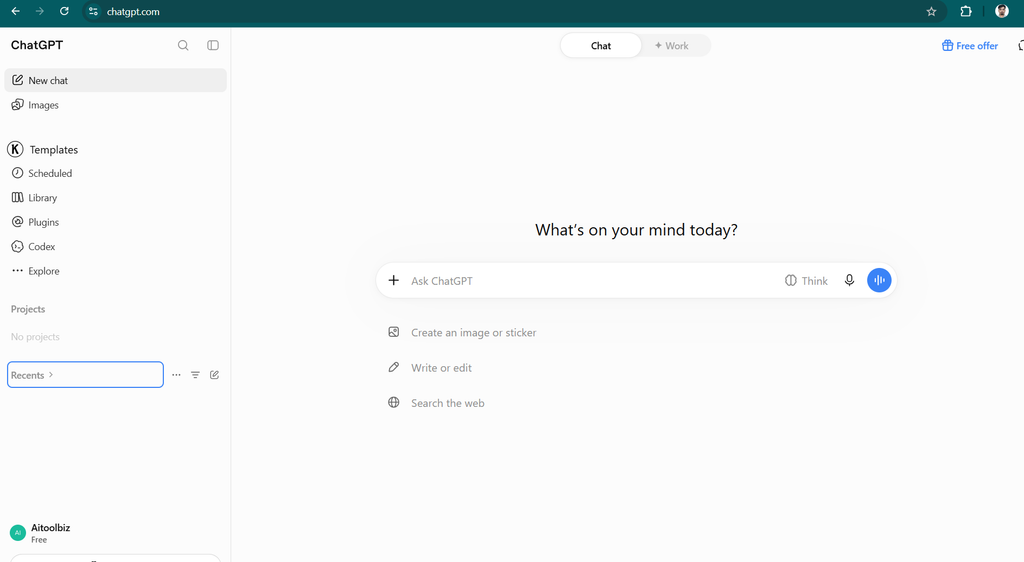
For bloggers and website owners, ChatGPT can be particularly useful during the early stages of content production. Instead of starting with a blank page, you can use it to organize your ideas and build a first draft that you subsequently review and improve.
Key Features
- Article generation: Create blog posts, guides, tutorials, reviews, and informational content.
- Content outlining: Organize an article into logical headings and subheadings.
- SEO assistance: Brainstorm keywords, search intent, titles, meta descriptions, FAQs, and content structures.
- Rewriting and editing: Improve clarity, grammar, tone, and readability.
- Research assistance: Use available search and research capabilities to investigate topics and identify supporting sources.
- Content repurposing: Transform articles into social posts, newsletters, scripts, and email campaigns.
- Custom instructions: Guide the assistant toward your preferred writing style, audience, and formatting.
Pros and Cons
| Pros | Cons |
|---|---|
| Supports many writing tasks | Output quality depends on instructions and review |
| Useful for long-form content and outlines | Can generate inaccurate facts or references |
| Helps with brainstorming and editing | May produce repetitive or generic wording |
| Free access is available | Free usage and advanced features are limited |
| Can adapt tone and format | Does not automatically guarantee search rankings |
Pricing
ChatGPT offers free access with usage limits, alongside paid plans that provide different levels of access and additional capabilities. Exact prices and limits depend on the plan and region. Visit the official ChatGPT website for current details.
Who Should Use ChatGPT?
ChatGPT is a strong starting point if you need one tool for several writing activities. Bloggers can use it to plan articles, freelancers can draft client communications, and small businesses can develop website copy and marketing materials.
However, publishing its output without checking facts, adding original insights, and editing the language is not a good strategy. Treat ChatGPT as a writing assistant rather than a replacement for editorial judgment.
Verdict: ChatGPT is my leading all-purpose recommendation for writers who want flexibility without immediately committing to a specialized writing platform.
2. Claude – Best for Natural-Sounding Long-Form Writing
Claude, developed by Anthropic, is another powerful AI assistant for content creation. It is particularly worth considering when your priority is producing well-structured prose, maintaining a consistent tone, or working with detailed source material.
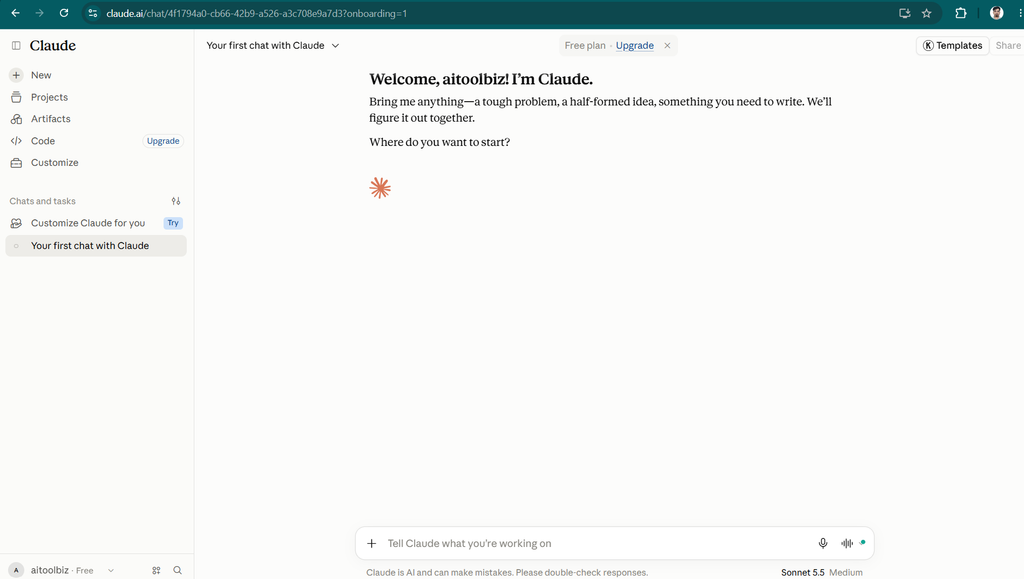
For long-form articles, the writing process involves more than generating thousands of words. The content must follow a logical argument, maintain consistent terminology, avoid unnecessary repetition, and transition smoothly between sections.
Claude can help with these tasks by developing outlines, drafting sections, reviewing existing manuscripts, and suggesting improvements to the structure and tone.
Full Review: Claude Review 2026: Features, Pricing, Pros, Cons & Alternatives
Key Features
- Long-form drafting: Develop detailed articles, reports, guides, and explanatory content.
- Tone refinement: Adjust writing to sound more formal, conversational, persuasive, or analytical.
- Document analysis: Work with supported uploaded files and source material.
- Editing assistance: Identify repetition, unclear passages, and structural weaknesses.
- Project organization: Use available project features to maintain context for ongoing writing work.
- Content restructuring: Turn rough notes into organized paragraphs and coherent sections.
Pros and Cons
| Pros | Cons |
|---|---|
| Strong option for nuanced prose | Usage limits can interrupt intensive work |
| Helpful for editing lengthy drafts | Some advanced capabilities require payment |
| Can work with provided documents | Generated information still requires verification |
| Good for restructuring and rewriting | Dedicated SEO publishing tools are limited |
| Useful for preserving an established tone | Output may still need substantial editing |
Pricing
Claude provides free access with limits and paid subscription options. Features and usage allowances differ by plan. Check the official Claude website for current pricing.
Who Should Use Claude?
Claude is a good option for writers producing detailed tutorials, research-based articles, business reports, and other content that needs careful organization.
It is also useful when you already have a draft and want to improve it without completely changing its meaning.
Verdict: Choose Claude if your priority is polished long-form writing and thoughtful editing rather than an all-in-one marketing platform.
Also Read: 6 Best Claude Alternatives in 2026 (Free & Paid AI Tools)
3. Google Gemini – Best for Google Ecosystem Users
Google Gemini is an AI assistant that can support writing, research, summarization, and idea development. It is particularly relevant for people who already use Google’s productivity ecosystem.
Writers often need to work with information scattered across notes, documents, emails, and research materials. Depending on the available plan, account, and enabled integrations, Gemini can help organize this information and turn it into useful written content.
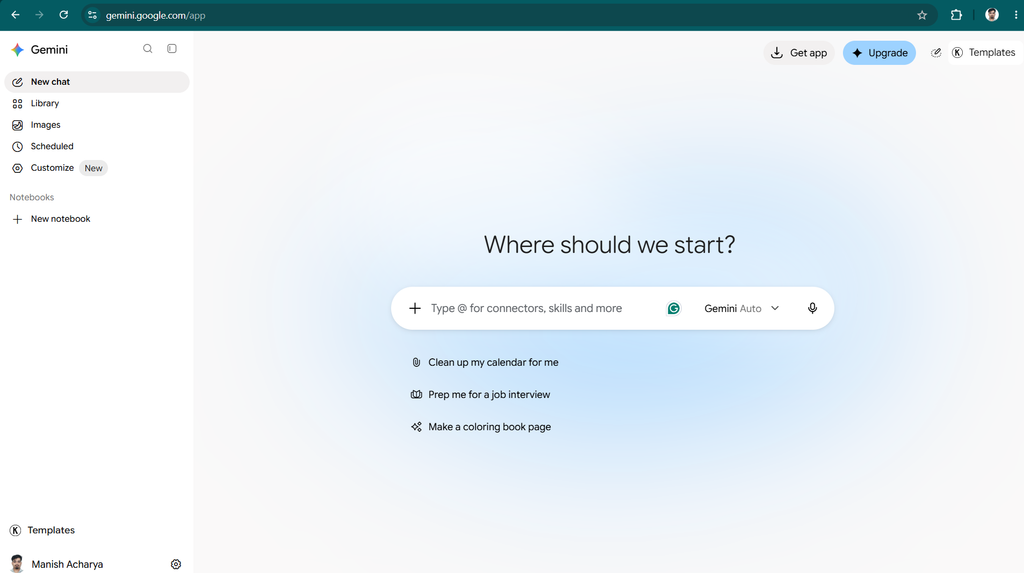
For example, a freelancer might use it to develop a client proposal, while a blogger could brainstorm article ideas and prepare a draft from research notes.
Key Features
- Content generation: Draft articles, emails, summaries, and professional documents.
- Idea development: Generate topic suggestions, headlines, and alternative approaches.
- Research support: Investigate topics using available search and research capabilities.
- Document assistance: Work with supported files and connected services.
- Google Workspace integration: Access Gemini-assisted workflows in supported Google apps and subscription tiers.
- Content summarization: Condense lengthy documents and notes into key points.
Pros and Cons
| Pros | Cons |
|---|---|
| Useful for general writing and research | Feature availability varies by account and plan |
| Fits naturally into Google-centered workflows | Generated facts may be inaccurate |
| Supports brainstorming and summarization | Advanced usage can require a subscription |
| Can help organize source material | May need editing for a distinctive brand voice |
| Free access is available | Usage limits may change |
Pricing
Gemini offers free access, as well as paid Google AI plans with different usage allowances and features. Workspace features may have separate eligibility and pricing conditions.
Visit the official Google Gemini website for current information.
Who Should Use Google Gemini?
Gemini is a practical choice for students, office workers, marketers, and bloggers who already rely on Gmail, Google Docs, and other Google services.
It is especially useful when writing is part of a broader workflow involving documents, research, and collaboration.
Verdict: Gemini deserves consideration if you want a flexible writing assistant that fits into a Google-based workflow.
4. Jasper – Best AI Writing Tool for Marketing Teams
Jasper is an AI content platform designed primarily for marketing. While general-purpose AI assistants can write advertisements and product descriptions, Jasper focuses more directly on brand consistency, campaign development, and repeatable marketing workflows.
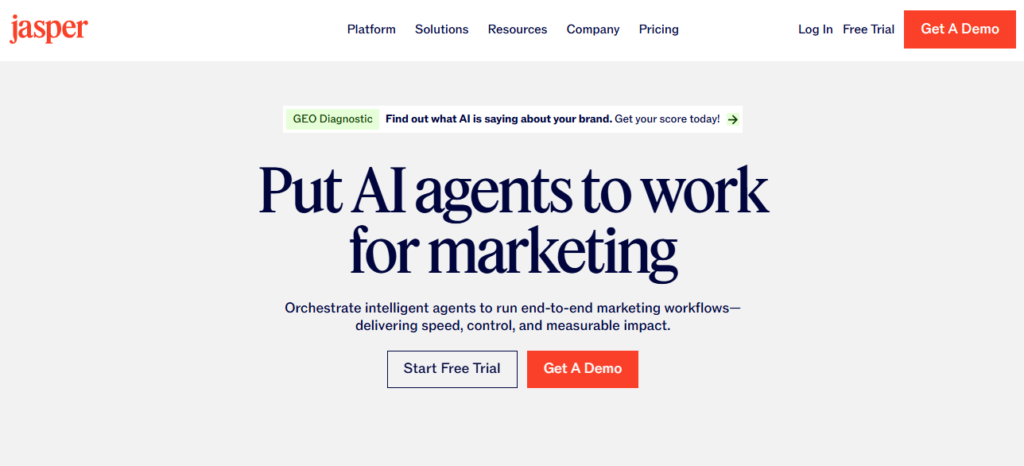
This distinction matters for companies producing content across multiple channels. A business might need email campaigns, landing pages, social media advertisements, product messaging, and blog posts to follow the same brand guidelines.
Jasper provides features intended to help marketing teams maintain a consistent voice and organize content production. Its usefulness depends on the team’s size, publishing volume, and need for dedicated marketing controls.
Also Read: Jasper AI Review 2026: Features, Pricing, Pros, Cons & Alternatives
Key Features
- Brand voice controls: Help content follow defined brand guidelines.
- Marketing templates: Support common campaign and copywriting tasks.
- Campaign development: Assist with creating coordinated marketing assets.
- Reusable knowledge: Apply supported brand information and context to content.
- Team workflows: Support collaborative content production on eligible plans.
- Content adaptation: Repurpose marketing messages for different formats and audiences.
Pros and Cons
| Pros | Cons |
|---|---|
| Built around professional marketing needs | Can be expensive for individual bloggers |
| Supports brand consistency | May be unnecessary for occasional writing |
| Useful for recurring campaigns | Requires review for factual accuracy |
| Offers marketing-focused workflows | Subscription features vary by plan |
| Can help teams standardize content | Does not guarantee campaign performance |
Pricing
Jasper generally focuses on paid plans, with trials or promotional offers potentially available. Pricing and included features may change.
Visit the official Jasper website to review current plans.
Who Should Use Jasper?
Jasper is best suited to agencies, established brands, and marketing teams that produce large volumes of content and need consistent messaging.
For a beginner running a small blog, a general-purpose assistant may offer better value. A dedicated marketing platform becomes more attractive when brand management and repeatable workflows are important.
Verdict: Jasper is worth evaluating for professional marketing operations, but individual writers should compare its cost with more flexible alternatives before subscribing.
Also Read: 6 Best Jasper AI Alternatives in 2026: Top AI Writing Tools Compared
5. Grammarly – Best for Grammar, Clarity, and Editing
Writing a good first draft is only part of the process. Grammar mistakes, awkward sentences, inconsistent tone, and unnecessary words can make even a useful article difficult to read.
Grammarly is widely known for helping users improve their writing while they work. It provides grammar and spelling assistance, clarity suggestions, tone guidance, and AI-supported rewriting features, with availability depending on the plan and product.
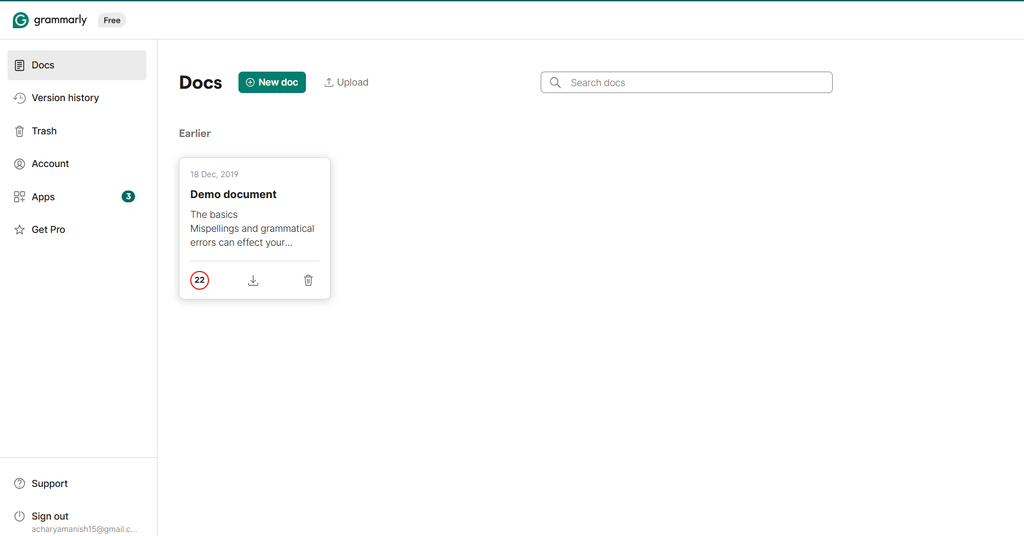
For bloggers, Grammarly can be useful during the final editing stage. You can review a draft, identify confusing sentences, and improve readability before publishing it.
Also Read: Grammarly Review 2026: Features, Pricing, Pros, Cons & Alternatives
Key Features
- Grammar correction: Identify common grammar and punctuation errors.
- Spelling assistance: Catch spelling mistakes and improve consistency.
- Clarity suggestions: Highlight wordy or confusing sentences.
- Tone guidance: Help adjust the tone for a particular audience.
- Rewriting assistance: Suggest alternative phrasing where supported.
- Cross-platform writing support: Work across supported browsers, applications, and editors.
Pros and Cons
| Pros | Cons |
|---|---|
| Helpful for polishing existing drafts | Less focused on generating complete articles |
| Useful during everyday writing | Some advanced features require payment |
| Can improve clarity and consistency | Suggestions may not always fit the intended voice |
| Works across supported writing environments | Not a complete SEO research platform |
| Free grammar support is available | Automated corrections still need human judgment |
Pricing
Grammarly offers a free version and paid plans with additional features. The current pricing and AI usage limits should be checked on its official website.
Who Should Use Grammarly?
Grammarly is useful for anyone who writes regularly, particularly people who want to improve the quality of their own drafts rather than generate every sentence from scratch.
Bloggers can combine it with ChatGPT or Claude: use one tool to develop the first draft and Grammarly to help polish the final version.
Verdict: Grammarly is one of the most practical choices for editing and improving everyday writing, especially when paired with a separate drafting tool.
Also Read: 8 Best Free Grammarly Alternatives in 2026
6. Copy.ai – Best for Marketing and Sales Workflows
Copy.ai began as an AI copywriting platform and has expanded toward broader sales and marketing workflows. It is designed to help businesses use AI for repeatable tasks rather than treating every content request as an isolated prompt.
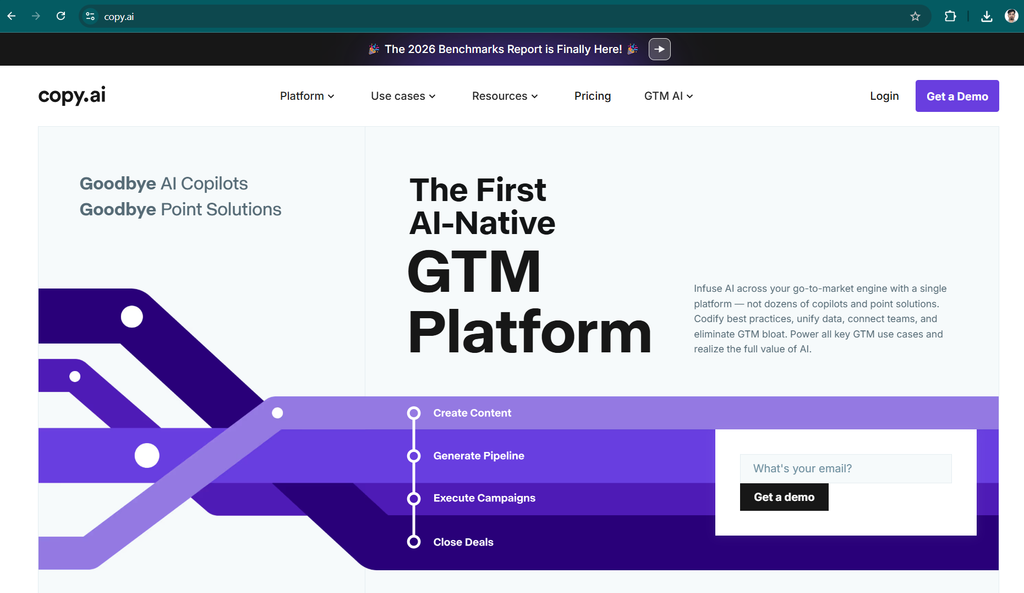
For example, a marketing team may need to generate several versions of an email, adapt a product description for different audiences, or organize prospect research into a consistent format.
Copy.ai’s workflow-oriented approach can help teams standardize such activities. However, the value of its more advanced features depends on the specific plan and the complexity of the business process.
Key Features
- Marketing copy generation: Create promotional content and campaign drafts.
- Sales content assistance: Help prepare outreach messages and supporting materials.
- Workflow automation: Organize repeatable AI-assisted tasks.
- Reusable instructions: Maintain consistent processes across related content.
- Content repurposing: Adapt information for different communication channels.
- Team-oriented features: Support business workflows on eligible plans.
Pros and Cons
| Pros | Cons |
|---|---|
| Useful for repetitive marketing tasks | Advanced workflows may be costly |
| Supports business-oriented content production | May be excessive for individual bloggers |
| Can help standardize processes | Requires setup and process design |
| Useful for sales and marketing teams | Generated copy still needs review |
| Can reduce manual repetition | Plan features and access can vary |
Pricing
Copy.ai’s pricing and available features depend on the current product offering and plan. Free access or limited tools may be available, but advanced business workflows can require a paid subscription.
Visit the official Copy.ai website for current details.
Who Should Use Copy.ai?
Copy.ai is best for organizations that repeatedly create sales and marketing content. A small website owner who publishes one article per week may not need its full workflow capabilities.
Verdict: Consider Copy.ai when the main challenge is scaling repeatable business content rather than simply writing individual articles.
7. Writesonic – Best for SEO-Focused Content Workflows
Writesonic is a content platform associated with AI writing, SEO workflows, and AI search visibility. Its offering has developed beyond basic text generation, making it relevant for businesses that want to plan and evaluate search-oriented content.
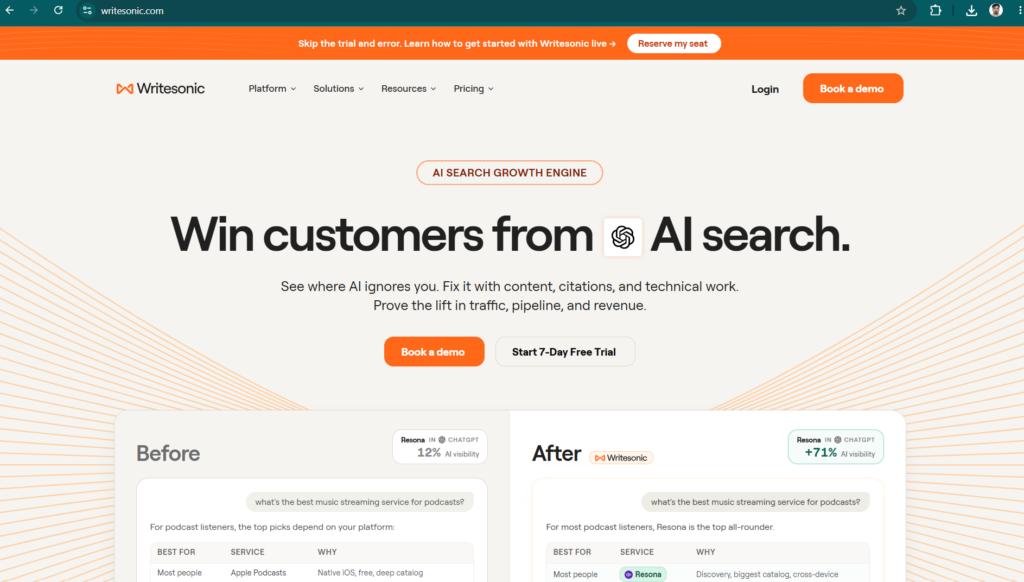
SEO writing involves several interconnected activities. Writers must understand search intent, cover a topic comprehensively, organize information clearly, and provide genuine value to readers. They also need to monitor how their pages perform after publication.
Writesonic can support parts of this process through its available content and search-related features. However, no AI writing platform can guarantee that an article will rank on Google or appear in AI-generated search answers.
Key Features
- SEO article assistance: Help develop search-oriented drafts.
- Content planning: Support topic research and content organization.
- Optimization workflows: Assist with improving page structure and coverage.
- AI search visibility features: Depending on the plan, provide tools for monitoring or analyzing brand visibility in AI search experiences.
- Marketing content generation: Support a range of written marketing assets.
- Research support: Help organize information for content projects.
Pros and Cons
| Pros | Cons |
|---|---|
| Combines writing with search-focused workflows | Advanced features can be expensive |
| Useful for SEO-oriented publishers | Some tools may be unnecessary for beginners |
| Supports content planning and optimization | Recommendations require independent judgment |
| Can assist with repeated publishing tasks | SEO results are never guaranteed |
| Offers a more specialized workflow than a basic chatbot | Product features and pricing may change |
Pricing
Writesonic’s plans and prices vary according to the available features and usage limits. Some features may be offered as trials or limited access, while advanced SEO and visibility tools may require higher-tier plans.
Check the official Writesonic website before choosing a subscription.
Who Should Use Writesonic?
Writesonic is worth exploring if your work involves publishing SEO articles at scale, planning content around search opportunities, or monitoring online visibility.
If you only need occasional blog drafts, a general-purpose AI assistant combined with an SEO research tool may be more economical.
Verdict: Writesonic is a specialized option for publishers who want more than basic AI-generated text.
8. Rytr – Best Budget-Friendly AI Writing Tool
Rytr is an AI writing assistant designed to make everyday content creation easier. It is particularly appealing to people who need short-form copy, basic blog drafts, product descriptions, emails, and social media captions without investing in a large marketing platform.
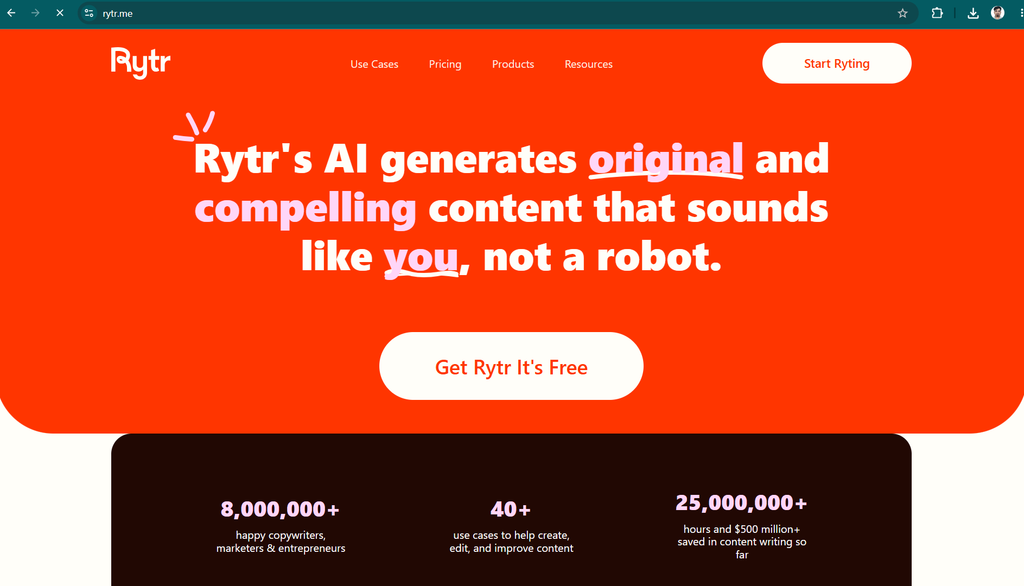
For beginners, the main attraction is simplicity. You can select a writing task, provide a short description, and use the generated text as a starting point. This can help reduce the time spent brainstorming or writing repetitive content.
Key Features
- Content templates: Support common writing tasks, including emails, advertisements, and product descriptions.
- Blog writing assistance: Help generate outlines and introductory paragraphs.
- Tone selection: Adapt content to different audiences and communication styles.
- Short-form copywriting: Create captions, headlines, and promotional text.
- Rewriting support: Improve or rephrase existing content.
- Budget-friendly entry: Provides a lower-cost alternative to some specialized marketing platforms.
Pros and Cons
| Pros | Cons |
|---|---|
| Relatively straightforward for beginners | Less comprehensive than some general-purpose assistants |
| Suitable for short-form content | Long articles may require extensive editing |
| Offers a limited free option | Usage restrictions can apply |
| Helpful for repetitive writing tasks | Advanced research capabilities may be limited |
| Can suit smaller content budgets | Output may sound generic without good instructions |
Pricing
Rytr has offered free and paid options, but the current availability and limits should be confirmed directly with the provider.
Visit the official Rytr website for updated information.
Who Should Use Rytr?
Rytr is worth considering if you frequently create short pieces of content and prefer a simple writing interface. It may suit freelancers, small businesses, and new bloggers who want to experiment with AI writing.
Verdict: Rytr is a reasonable budget-oriented option for straightforward copywriting, although you should compare its output quality with free access to general-purpose AI assistants.
9. QuillBot – Best for Paraphrasing and Summarization
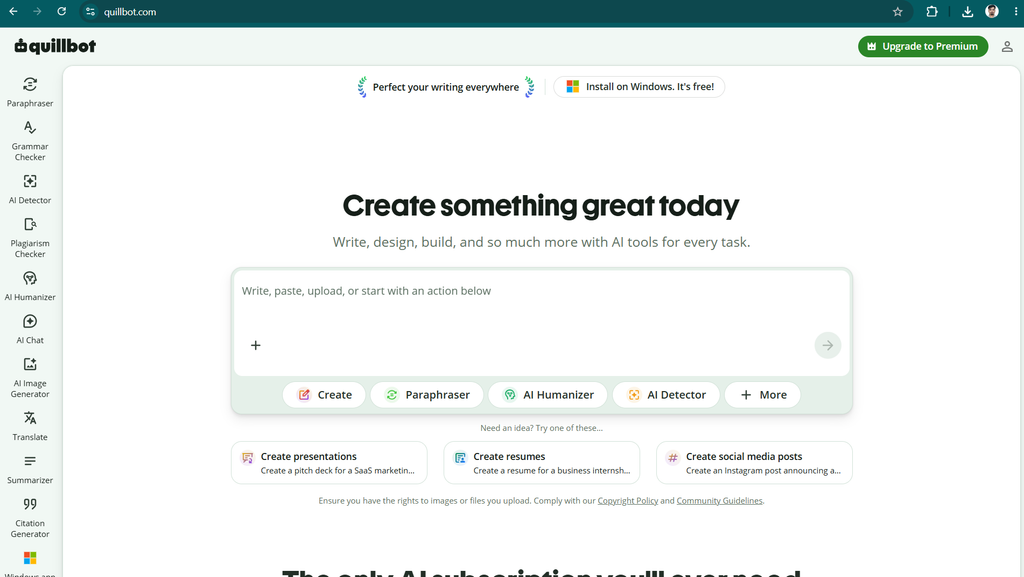
QuillBot is an AI-powered writing platform best known for paraphrasing and text improvement. Rather than focusing exclusively on generating entire articles, it helps users work with text they already have.
Suppose you have written a paragraph that feels repetitive or difficult to understand. QuillBot can suggest alternative wording and sentence structures. Its summarization capabilities can also help reduce lengthy material into more manageable notes.
However, paraphrasing should not be used to disguise copied content or avoid plagiarism detection. When you use someone else’s ideas or research, you should provide appropriate attribution and follow the relevant academic or publishing rules.
Key Features
- Paraphrasing: Rewrite text while attempting to preserve its meaning.
- Summarization: Condense supported documents and passages.
- Grammar assistance: Identify selected grammar and language issues.
- Writing improvement: Suggest alternative expressions and sentence structures.
- Translation support: Help users work with supported languages and translation features.
- Citation assistance: Provide citation-related tools where supported.
Pros and Cons
| Pros | Cons |
|---|---|
| Strong focus on paraphrasing | Not the most comprehensive standalone article writer |
| Helpful for improving existing text | Rewrites can change the original meaning |
| Summarization can save time | Free usage is restricted |
| Useful for editing and study workflows | Citations and facts still need checking |
| Offers free access | Advanced capabilities may require payment |
Pricing
QuillBot offers free access with restrictions and paid plans with expanded functionality. Visit the official QuillBot website for current pricing.
Who Should Use QuillBot?
QuillBot is particularly useful for writers who already have a draft and want to make it clearer, more concise, or easier to read.
Verdict: If rewriting and summarization are your main requirements, QuillBot is one of the first tools worth testing.
10. Wordtune – Best for Improving Sentence Flow
Wordtune focuses on helping people express ideas more effectively. It can suggest alternative wording, rewrite sentences, and assist with adjusting tone.
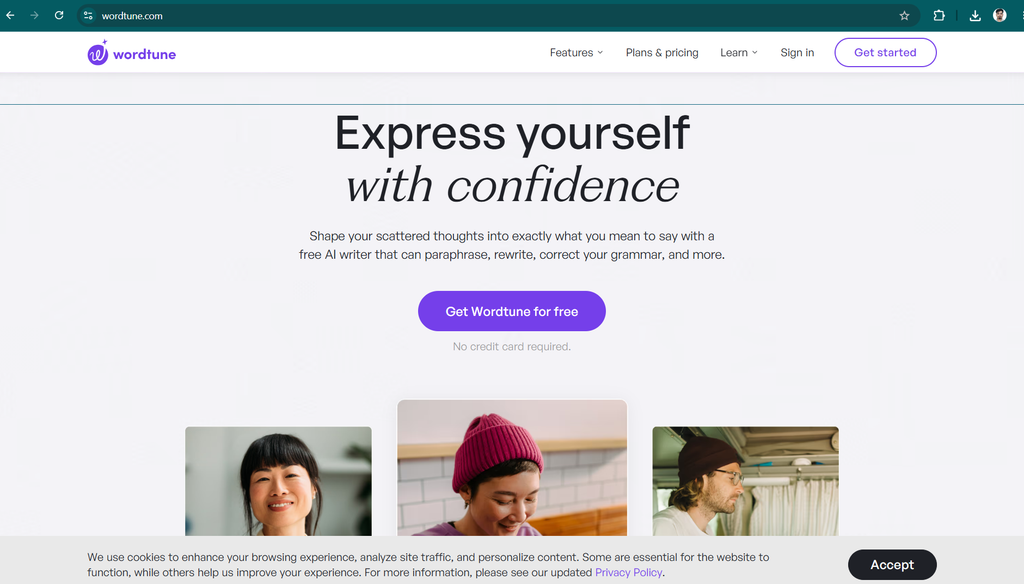
The tool is useful when the meaning of a sentence is correct but the phrasing feels awkward. Instead of rewriting an entire article, you can improve individual passages while retaining the main idea.
For example, a writer might have a long sentence containing several different points. Wordtune can suggest a more direct version, making the passage easier to understand.
Key Features
- Sentence rewriting: Suggest alternative ways to express an idea.
- Tone adjustment: Help make writing more formal or conversational.
- Content shortening: Reduce unnecessary wording.
- Content expansion: Develop a brief statement into a more detailed explanation.
- Summarization: Help condense supported source material.
- Writing assistance: Improve text within supported workflows.
Pros and Cons
| Pros | Cons |
|---|---|
| Useful for sentence-level improvements | Not a full SEO content platform |
| Helps improve readability | Some features have usage limits |
| Offers alternative phrasing | Suggestions may alter the intended nuance |
| Can make professional writing more concise | Less suitable as the only tool for large articles |
| Useful for non-native English writers | Paid access may be needed for frequent use |
Pricing
Wordtune has offered free and paid options, with availability and limits subject to change.
Visit the official Wordtune website for current details.
Who Should Use Wordtune?
Wordtune is a suitable option if you regularly edit existing text and want help making it more natural, direct, and readable.
Verdict: Wordtune works best as an editing companion rather than a replacement for a complete writing workflow.
11. ProWritingAid – Best for Detailed Writing Analysis
ProWritingAid is a writing assistant that goes beyond basic spelling and grammar correction. It offers style analysis and reports designed to help writers identify issues such as repetitive wording, sentence-length patterns, readability problems, and excessive use of certain expressions.
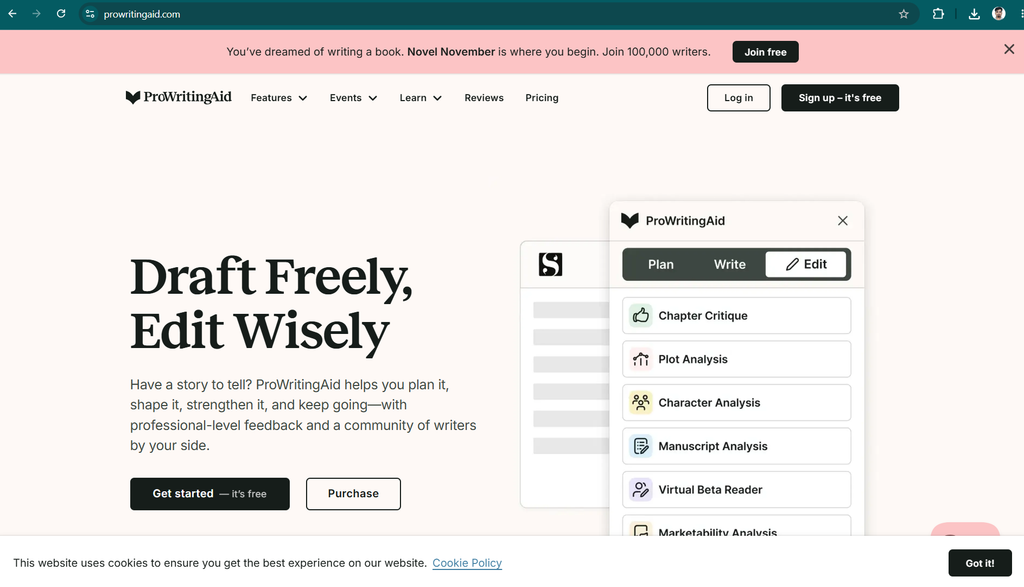
These features can be particularly helpful when working on a lengthy manuscript. In a novel or nonfiction book, repeated language patterns may be difficult to notice when reading your own work. Automated reports can highlight areas that deserve another look.
Key Features
- Grammar and spelling checks: Identify common language mistakes.
- Style analysis: Highlight writing habits that may affect readability.
- Repeated-word detection: Identify recurring words and expressions.
- Readability analysis: Help evaluate sentence complexity.
- Manuscript editing: Support longer writing projects.
- Integration options: Work with supported writing applications and editors.
Pros and Cons
| Pros | Cons |
|---|---|
| Provides detailed style feedback | Reports can feel overwhelming to beginners |
| Useful for lengthy manuscripts | Not primarily an article-generation tool |
| Helps identify repetitive writing | Some features require a paid plan |
| Supports deeper editorial review | Suggestions are not always appropriate |
| Can complement human editing | Does not replace professional proofreading |
Pricing
ProWritingAid has offered free and paid plans, with features varying by subscription. Check the official ProWritingAid website for current prices and lifetime-plan availability, if offered.
Who Should Use ProWritingAid?
Authors, editors, and people producing extensive written material may benefit most. Bloggers can also use it when they want a deeper review of their writing style.
Verdict: ProWritingAid is a strong choice for writers who care about the quality and consistency of lengthy documents.
12. Sudowrite – Best AI Writing Tool for Fiction
Not every writer wants to create SEO articles or business emails. Fiction writers need tools that help develop characters, build scenes, explore plot possibilities, and overcome creative blocks.
Sudowrite is designed specifically for creative writing. Its features are aimed at helping authors develop stories rather than producing conventional marketing copy.
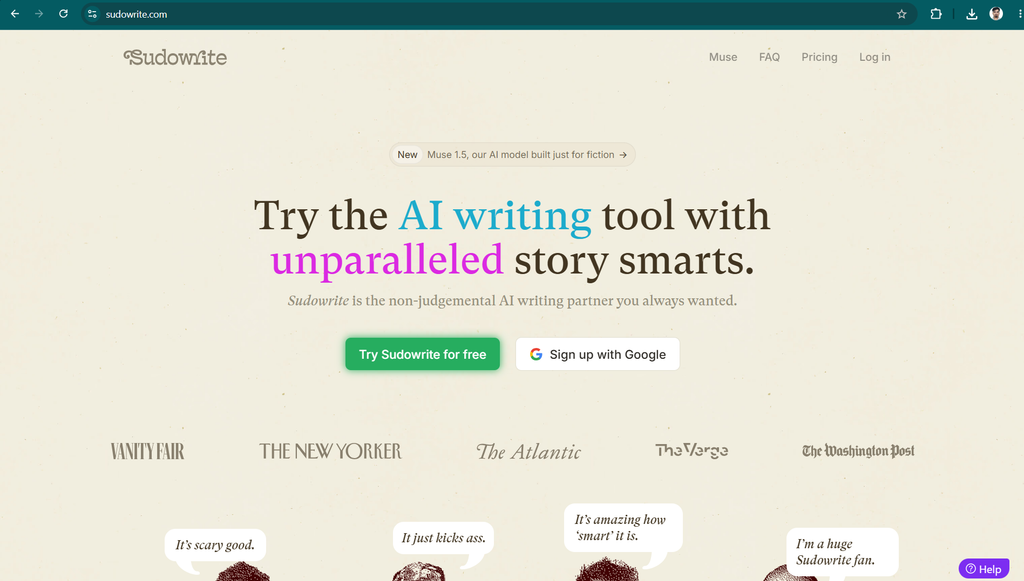
For example, a novelist who knows what should happen in a scene but struggles to describe the setting can use an AI writing assistant to explore descriptive alternatives. The author remains responsible for choosing the ideas that fit the story.
Key Features
- Story development: Explore plot ideas and possible story directions.
- Scene assistance: Develop descriptions, dialogue, and narrative passages.
- Character development: Brainstorm motivations, backgrounds, and conflicts.
- Creative rewriting: Experiment with different ways to express a scene.
- Idea generation: Overcome writer’s block with alternative possibilities.
- Long-form fiction support: Help organize and develop larger creative projects.
Pros and Cons
| Pros | Cons |
|---|---|
| Designed specifically for fiction | Less useful for SEO blog writing |
| Helps overcome creative blocks | Subscription or credit limits may apply |
| Supports story exploration | Generated prose may feel inconsistent |
| Can assist with descriptions and scenes | Requires strong authorial direction |
| Useful for brainstorming | May struggle to preserve complex continuity |
Pricing
Sudowrite has offered paid plans and trial or introductory access, depending on its current offering. Check the official Sudowrite website for current plan details.
Who Should Use Sudowrite?
Sudowrite is worth evaluating if you write novels, short stories, or other forms of fiction. For product reviews, informational blog posts, and standard business content, a general-purpose writing assistant is likely to be more appropriate.
Verdict: Sudowrite stands out because it focuses on the creative needs of storytellers rather than trying to serve every type of writer.
13. Anyword – Best for Marketing Copy Optimization
Anyword is an AI writing platform focused on marketing content and performance-oriented copy. Its main appeal is the ability to help marketers develop and compare different versions of messages intended for specific audiences.
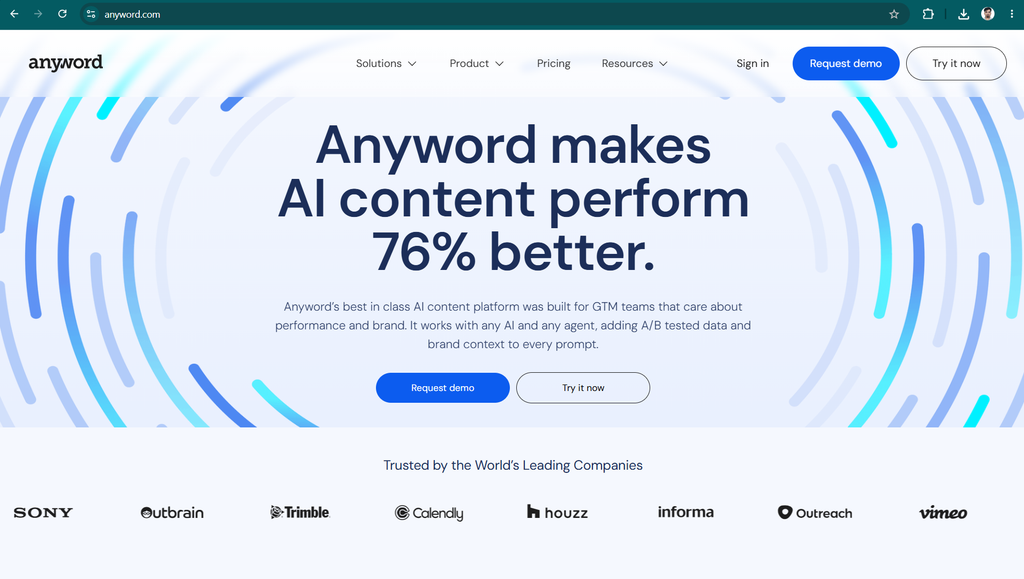
For example, an online store might need several headlines for a product advertisement. Instead of relying on one draft, a marketer can generate alternatives, refine the messaging, and evaluate the options using available platform features.
Anyword can support the creative process, but its predictions should not be treated as proof that a particular headline will generate more sales. Real campaign results depend on audience targeting, product quality, pricing, competition, and other factors.
Key Features
- Advertising copy: Generate text for supported advertising formats.
- Landing-page writing: Develop headlines, benefits, and calls to action.
- Audience-focused messaging: Adapt copy for different target groups.
- Content variations: Explore alternative approaches to the same offer.
- Brand consistency: Apply supported brand guidance.
- Performance-oriented analysis: Use available scoring or optimization features to evaluate copy.
Pros and Cons
| Pros | Cons |
|---|---|
| Focuses on marketing outcomes | May be expensive for casual users |
| Helps generate multiple copy variations | Predictions do not guarantee real results |
| Useful for campaign experimentation | Requires campaign data and testing |
| Supports audience-oriented messaging | Less suitable for fiction or general editing |
| Can assist marketing teams | Advanced features may require higher-tier plans |
Pricing
Anyword has offered paid subscriptions and limited introductory access, with plan details subject to change.
Visit the official Anyword website for current information.
Who Should Use Anyword?
Anyword is most relevant for marketers who regularly create advertisements, landing pages, and conversion-focused content.
Verdict: Consider Anyword when your main goal is testing marketing messages, not simply generating long articles.
14. Notion AI – Best for Writing and Organizing Work
Notion is a workspace for notes, documents, databases, and project organization. Notion AI adds AI-assisted capabilities to this environment, helping users create and improve content without constantly switching between different applications.
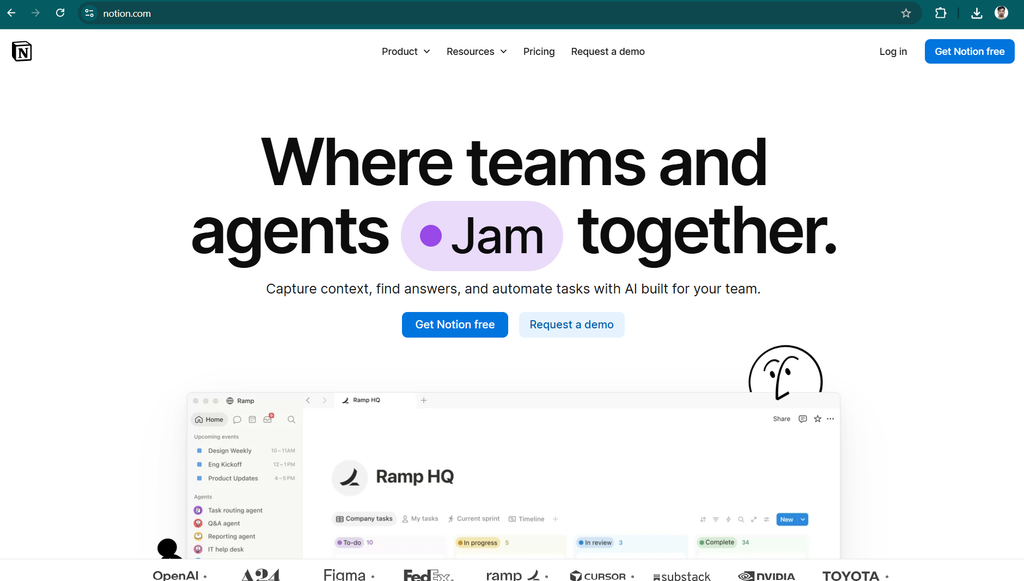
For content teams, this can be useful because writing is only one part of the publishing process. Writers also maintain content calendars, research notes, article briefs, task lists, and editorial documentation.
With the appropriate plan and features, Notion AI can help draft documents, summarize notes, and organize information within a broader workspace.
Key Features
- Document drafting: Develop written content inside the workspace.
- Summarization: Condense notes and documents.
- Content organization: Keep writing projects and supporting information together.
- Brainstorming: Generate ideas for articles and projects.
- Workspace assistance: Help users work with supported information and tools.
- Team collaboration: Support shared documents and project workflows.
Pros and Cons
| Pros | Cons |
|---|---|
| Combines writing and organization | Most valuable if you already use Notion |
| Useful for editorial calendars | AI access depends on plan and current terms |
| Helps organize research and notes | Not a dedicated SEO research platform |
| Supports collaborative workflows | Requires a well-organized workspace |
| Can reduce application switching | May be unnecessary for simple writing tasks |
Pricing
Notion offers multiple subscription plans, and AI availability can vary by plan and current product terms. Check the official Notion website for updated pricing and access information.
Who Should Use Notion AI?
Notion AI is a sensible choice for people who already manage their projects, notes, and editorial calendars in Notion.
Verdict: Its biggest advantage is combining AI assistance with workspace organization, rather than focusing exclusively on generating text.
15. Frase – Best for SEO Content Planning and Optimization
Frase is a content platform associated with SEO research, content briefs, article optimization, and AI-assisted writing.
A successful SEO article requires more than inserting keywords into paragraphs. Writers need to understand the questions readers are asking, identify relevant subtopics, organize the page logically, and provide information that satisfies the search intent.
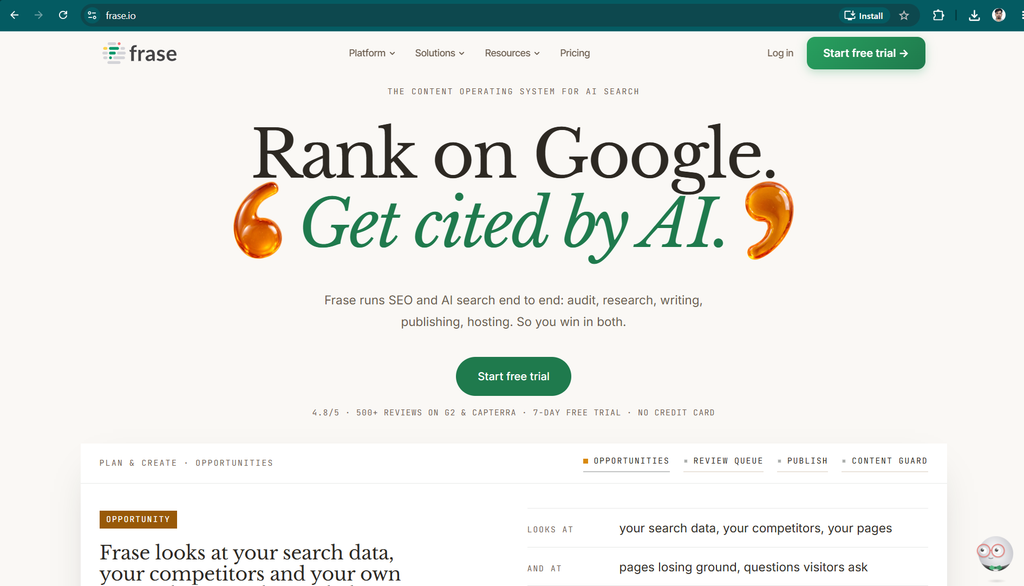
Frase is designed to help with parts of this process. Depending on the available features and subscription, users can research a topic, prepare a content brief, create an outline, and evaluate how thoroughly a draft covers relevant subjects.
Key Features
- Content briefs: Help organize the key points an article should cover.
- SEO research: Support research into search results and related topics.
- Article outlining: Build structured headings and subheadings.
- AI-assisted drafting: Generate and develop written content.
- Content optimization: Evaluate drafts against available SEO guidance.
- Content workflow support: Help writers organize research and publishing tasks.
Pros and Cons
| Pros | Cons |
|---|---|
| Combines writing and SEO-oriented workflows | Paid access may be needed for regular use |
| Helps structure topic coverage | Optimization scores are not ranking guarantees |
| Useful for content briefs | Recommendations require human judgment |
| Can speed up article planning | Less useful for fiction or everyday emails |
| Designed around search-focused publishing | Features depend on the selected plan |
Pricing
Frase has offered paid plans and different levels of access. Check the official Frase website for the latest prices and included features.
Who Should Use Frase?
Frase is worth considering if SEO is central to your content strategy and you regularly need research briefs, structured outlines, and optimization assistance.
Verdict: Frase can be a useful addition to an SEO publishing workflow, particularly when you produce multiple articles around related topics.
Best AI Writing Tools in 2026: Which One Should You Choose?
After comparing these 15 tools, the most important lesson is that there is no single winner for every writing task. The right choice depends on your goals, budget, writing frequency, and preferred workflow.
Here is a more practical comparison based on common needs.
| Your Main Goal | Recommended Tool | Why |
|---|---|---|
| Write different types of content | ChatGPT | Versatile drafting and brainstorming |
| Create detailed long-form articles | Claude | Strong prose and structural editing |
| Work with Google-based documents | Gemini | Fits supported Google workflows |
| Maintain brand consistency across campaigns | Jasper | Marketing-focused controls |
| Correct grammar and improve clarity | Grammarly | Editing support across writing environments |
| Automate recurring sales and marketing tasks | Copy.ai | Workflow-oriented features |
| Combine SEO content with visibility workflows | Writesonic | Search-focused content capabilities |
| Create short copy on a budget | Rytr | Straightforward writing assistance |
| Rewrite existing paragraphs | QuillBot | Paraphrasing and summarization |
| Improve sentence flow | Wordtune | Sentence-level rewriting |
| Analyze long manuscripts | ProWritingAid | Detailed style and readability reports |
| Develop fiction and stories | Sudowrite | Creative writing assistance |
| Optimize advertising messages | Anyword | Marketing copy variations and evaluation |
| Organize writing projects and documents | Notion AI | Workspace-integrated assistance |
| Prepare SEO briefs and optimize articles | Frase | SEO research and content planning |
Are Free AI Writing Tools Good Enough in 2026?
Yes. Free AI writing tools can be sufficient for many everyday tasks, especially if you are a beginner or publish content occasionally.
A free writing assistant can help you:
- Generate blog topic ideas.
- Create article outlines.
- Draft introductory paragraphs.
- Write email replies and social media captions.
- Rewrite awkward sentences.
- Summarize source material.
- Prepare basic SEO titles and meta descriptions.
- Check selected grammar and readability issues.
However, free plans often include usage limits, restricted access to advanced models, fewer research features, or limitations on specialized functions.
The best approach is to test a free option against your actual workload before paying. For example, if you publish four articles each month, try creating an outline, a draft, and an edited version of one article. Then assess whether the tool saves enough time to justify a subscription.
You should also distinguish between a free plan and a free trial. A free plan may remain available with usage restrictions, while a trial may expire after a specified period.
My recommendation: Start with ChatGPT, Claude, or Gemini for general writing, and add a specialized editing or SEO tool only when you identify a specific need.
How to Use AI Writing Tools for SEO Blog Posts
If you own a blog or content website, AI writing tools can help organize the content production process. However, simply generating an article and publishing it immediately is rarely the best long-term strategy.
A stronger workflow combines AI assistance with research, editorial judgment, and useful original information.
Step 1: Choose a Topic Based on Reader Intent
Before writing, identify the problem your article should solve.
For example, a topic such as “best AI writing tools in 2026” has a comparison-oriented intent. Readers want to understand which tools are available, what they do, how much they cost, and which one fits their needs.
Use keyword research and search-result analysis to understand the questions readers are asking. Avoid selecting topics only because an AI assistant suggests them.
Step 2: Research the Tools and Verify Their Features
Ask your AI writing assistant to create a preliminary list of tools, but verify the important information independently.
Check official websites for:
- Current product features.
- Free-plan limitations.
- Subscription prices.
- Supported integrations.
- Usage restrictions.
- Intended audiences.
- Important changes to the product.
Pricing and feature details change frequently. A statement that was accurate last year may no longer be correct.
Step 3: Create a Detailed Article Outline
Ask the AI tool to organize the article into a useful structure.
For a comparison article, the outline might include:
- Introduction and quick comparison.
- Individual tool reviews.
- Feature comparisons.
- Pricing considerations.
- Free versus paid options.
- Recommendations by use case.
- SEO writing best practices.
- Frequently asked questions.
- Final conclusion.
An organized outline helps prevent unnecessary repetition and makes the finished article easier to navigate.
Step 4: Draft the Article in Sections
Instead of asking an AI assistant to produce an extremely long article in one step, consider working section by section.
This allows you to check facts, refine the tone, improve examples, and ensure that the article remains focused on the reader’s needs.
Give the assistant clear instructions about the audience, tone, intended length, and required information.
Step 5: Add Original Value
This is one of the most important steps.
A useful article should offer more than a collection of descriptions that could appear on any competing website. Add practical examples, meaningful comparisons, firsthand observations where available, and explanations that help readers make decisions.
If you have actually tested a tool, describe what you tested and what happened. If you have not tested it, do not claim that you did.
For software reviews, explain both the benefits and the limitations. Readers are more likely to trust balanced advice than exaggerated promotional language.
Step 6: Edit and Fact-Check
Use Grammarly, ProWritingAid, Wordtune, or another suitable editing assistant to help identify issues in the draft.
Then manually review:
- Incorrect or unsupported claims.
- Repeated paragraphs.
- Awkward transitions.
- Misleading comparisons.
- Outdated pricing.
- Broken links.
- Unsupported product claims.
- Missing attribution.
AI editing suggestions should be treated as recommendations, not instructions that must always be followed.
Step 7: Optimize the Page for Search
Prepare a descriptive SEO title, meta description, URL slug, logical headings, and relevant internal links.
Use keywords naturally rather than repeating the same phrase unnecessarily. Make the article easy to scan with short paragraphs, useful tables, and descriptive headings.
Do not assume that an AI-generated article is automatically optimized for search engines. Search performance depends on many factors, including relevance, usefulness, competition, technical accessibility, and the overall quality of the website.
Step 8: Review the Results After Publishing
Once the article is live, monitor its performance using suitable analytics and search tools.
Look at impressions, clicks, engagement, and conversions where relevant. If readers are not finding the information they need, update the article with better explanations, more accurate comparisons, or missing information.
Content creation should be an ongoing process of improvement, not just a one-time publishing task.
Can Google Penalize AI-Written Content?
AI-generated content is not automatically disqualified from search results simply because AI was used to create it. Google’s published guidance emphasizes content quality, usefulness, reliability, and the purpose for which the content was created.
The important distinction is between using AI to help produce useful information and publishing large amounts of low-value content primarily to manipulate search rankings.
For website owners, this means you should prioritize:
- Accurate and helpful information.
- Original analysis and meaningful examples.
- Clear sourcing for important claims.
- A good experience for readers.
- Appropriate editorial review.
- Transparency when it is relevant to the subject or audience.
An AI writing tool can help you work more efficiently, but it cannot guarantee rankings, traffic, or advertising revenue.
Common Mistakes to Avoid When Using AI Writers
Even the best writing software can produce poor results if it is used carelessly.
1. Publishing Without Fact-Checking
AI assistants can invent details, misunderstand product features, or provide outdated pricing. Always verify claims that matter to readers.
2. Using Generic Content
If every article contains the same basic introduction, repeated advantages, and vague conclusion, it may offer little value. Add specific information that answers the reader’s actual questions.
3. Ignoring the Target Audience
A beginner needs different explanations from an experienced SEO professional. Tell your writing assistant who the content is for and what the reader should learn.
4. Buying Too Many Subscriptions
You do not need five overlapping writing tools to produce a good article. Begin with one general-purpose assistant and add specialized tools only when they solve a genuine problem.
5. Treating AI Detection Scores as Proof
AI-text detectors can produce false positives and false negatives. Their results should not be treated as definitive proof of authorship or writing quality.
6. Forgetting Privacy and Copyright Considerations
Avoid uploading confidential business information, private customer details, or sensitive documents without checking the provider’s data-handling terms. Make sure you have permission to use source material and that your content respects applicable copyright requirements.
Conclusion: Which AI Writing Tool Is Best in 2026?
The best AI writing tool depends on what you want to accomplish. General-purpose assistants are flexible and accessible, while specialized platforms offer more focused features for marketing, SEO, editing, and creative writing.
Here are my final recommendations:
- Best overall: ChatGPT for versatile everyday writing.
- Best for long-form writing: Claude for detailed drafts and nuanced editing.
- Best for Google-based workflows: Google Gemini.
- Best for marketing teams: Jasper.
- Best for grammar and editing: Grammarly.
- Best for marketing workflows: Copy.ai.
- Best for SEO content workflows: Writesonic and Frase.
- Best for budget-conscious writers: Rytr.
- Best for paraphrasing: QuillBot.
- Best for sentence improvement: Wordtune.
- Best for detailed manuscript editing: ProWritingAid.
- Best for fiction: Sudowrite.
- Best for advertising copy: Anyword.
- Best for organized team writing: Notion AI.
If you are just starting, do not feel pressured to purchase an expensive subscription immediately. Try a free general-purpose assistant, learn how to give it clear instructions, and establish a reliable editing process.
Once you understand your workflow, you can decide whether a dedicated SEO, grammar, or marketing platform offers enough additional value to justify its cost.
Ultimately, the best AI writing tool is the one that helps you produce accurate, useful, original, and engaging content consistently. Use AI to make the writing process more efficient, but keep research, fact-checking, and the reader’s needs at the center of every article.
Frequently Asked Questions (FAQs)
What is the best AI writing tool in 2026?
ChatGPT is my top general-purpose recommendation because it supports many writing tasks, from brainstorming and outlining to drafting and editing. Claude is another strong option for long-form writing, while Grammarly is useful for polishing existing text. The best choice depends on your particular requirements.
Which AI writing tool is completely free?
Several platforms offer free access, including ChatGPT, Claude, Google Gemini, Grammarly, QuillBot, and Rytr. However, free access generally comes with restrictions. Check the current terms of each provider to understand usage limits and which features are included.
What is the best AI writing tool for bloggers?
ChatGPT and Claude are good starting points for blog planning and drafting. Writers who need dedicated SEO workflows may also consider Frase or Writesonic. The best setup depends on whether you primarily need article generation, keyword research, editing, or optimization.
Which AI writing tool is best for SEO?
Frase and Writesonic are worth evaluating for SEO-oriented content workflows. General-purpose assistants such as ChatGPT and Gemini can also help with outlines, topic ideas, and content organization. None of these tools can guarantee a particular search ranking.
Can AI writing tools create a 4,000-word article?
Yes, AI assistants can help create articles of 4,000 words or more. However, a long article should have a clear structure, reliable research, useful examples, and minimal repetition. Drafting and reviewing it in sections can make quality control easier.
Are AI writing tools worth paying for?
They can be worthwhile if they save enough time, improve your workflow, or provide specialized features that you actually use. Before purchasing a subscription, compare the available free options and test the paid features against your normal workload.
Can I use AI-written articles on my website?
You can use AI assistance when creating website content, but you should review the article for accuracy, usefulness, originality, and compliance with relevant policies. Avoid publishing large volumes of unhelpful content simply to manipulate search rankings.
Which AI writing tool is best for students?
ChatGPT, Claude, and Gemini can help students brainstorm topics, organize notes, and understand difficult concepts. QuillBot may be useful for summarization and language improvement. Students should follow their institution’s academic integrity rules and cite sources appropriately.
Which AI tool is best for improving grammar?
Grammarly is a strong general choice for grammar, spelling, clarity, and tone assistance. ProWritingAid is worth considering for deeper style analysis and longer manuscripts.
Can AI writing tools replace human writers?
AI writing tools can automate parts of drafting, editing, and research, but they do not eliminate the need for human judgment. Writers still provide context, verify facts, develop original ideas, and make editorial decisions. In many workflows, the most effective approach is collaboration between a human writer and an AI assistant.